Turn game ideas into reality
Skip the dev backlog and bring your trivia concepts to life as interactive quizzes, party games, or full game shows, all from natural language prompts.
Skip to main content
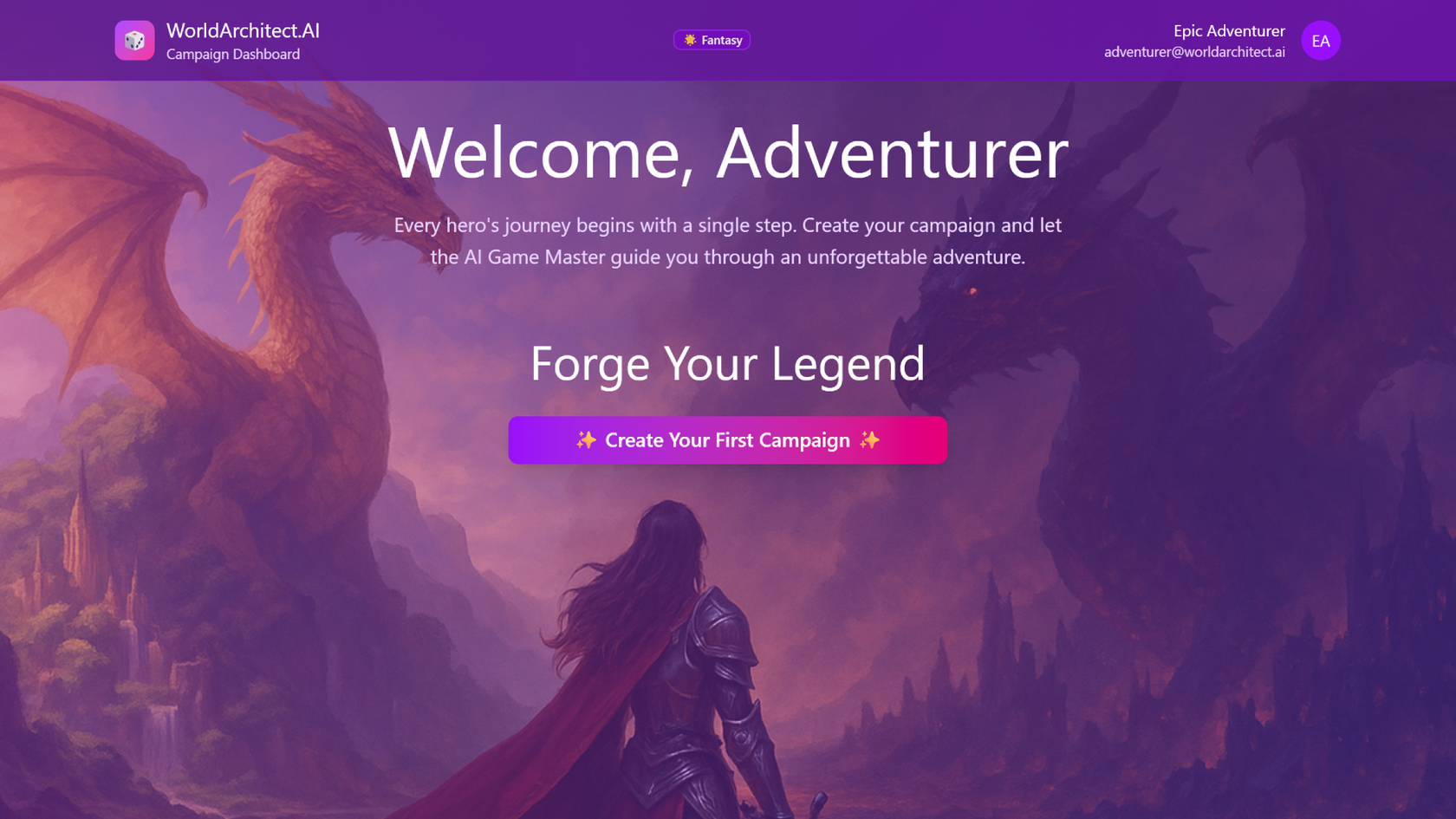
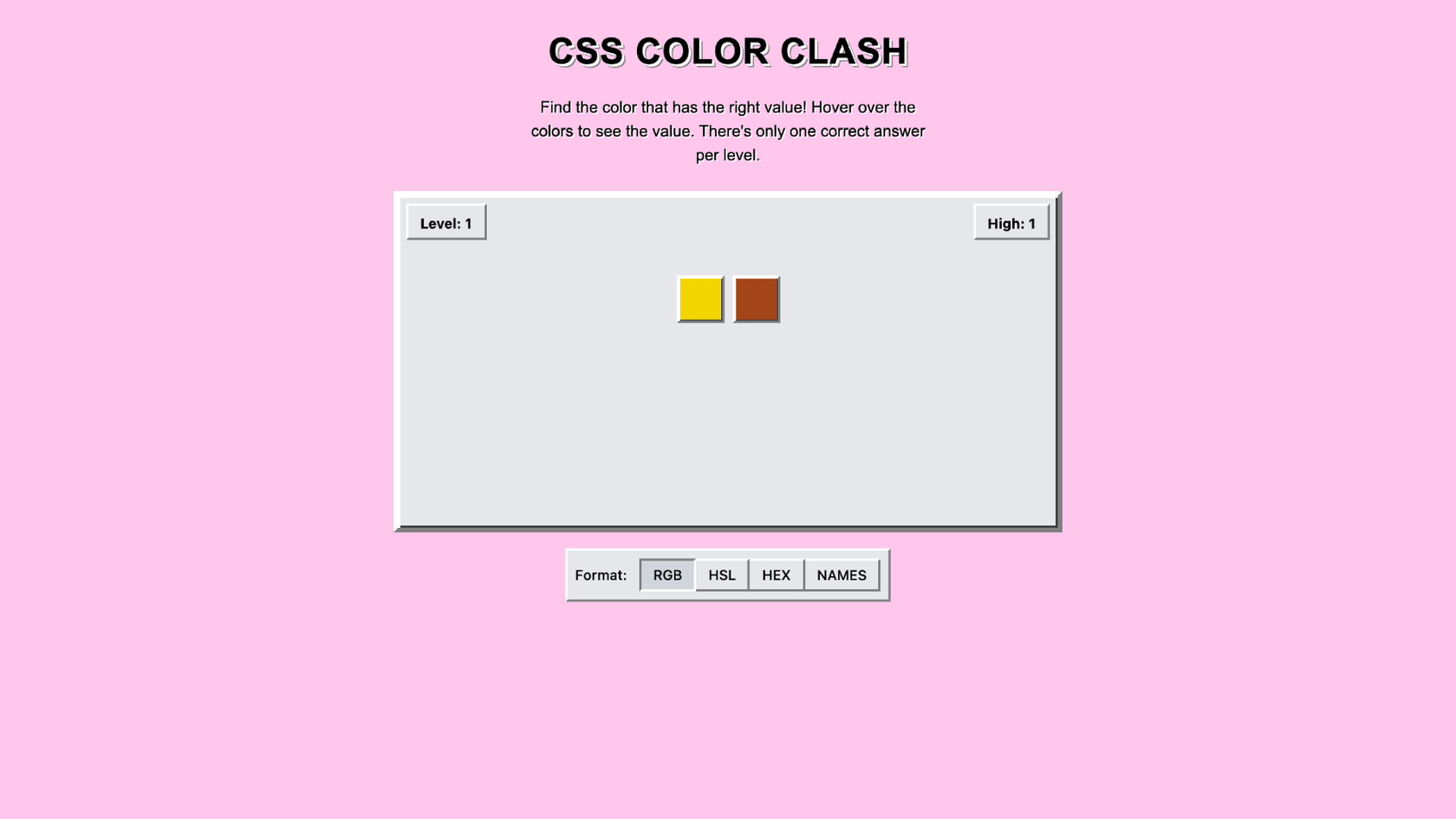
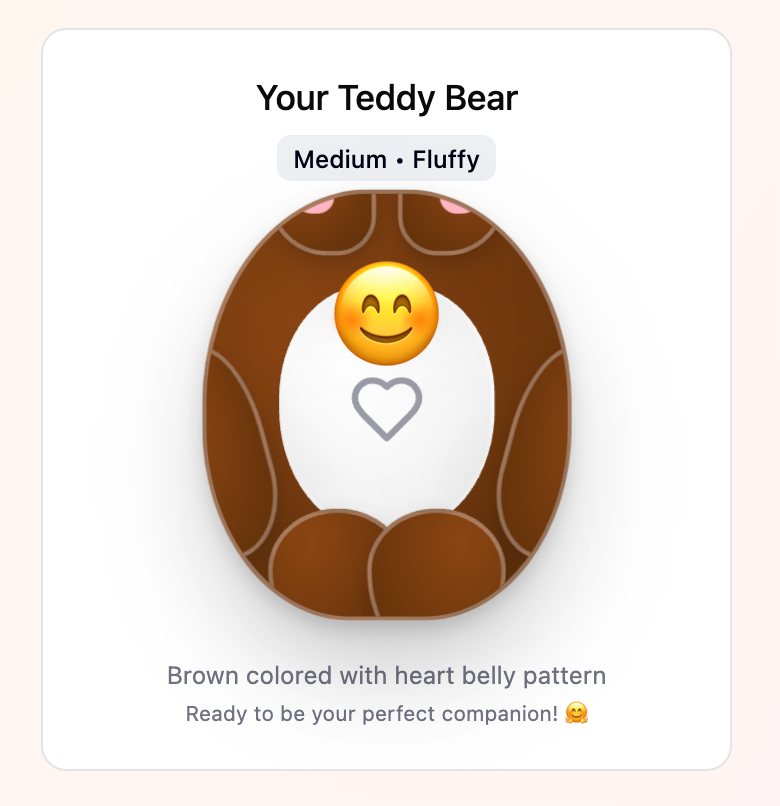
Go from big idea to playable trivia game, just like that—no coding required. Describe the categories, question formats, and scoring rules, and Figma Make builds an interactive game you can test and share.
Skip the dev backlog and bring your trivia concepts to life as interactive quizzes, party games, or full game shows, all from natural language prompts.

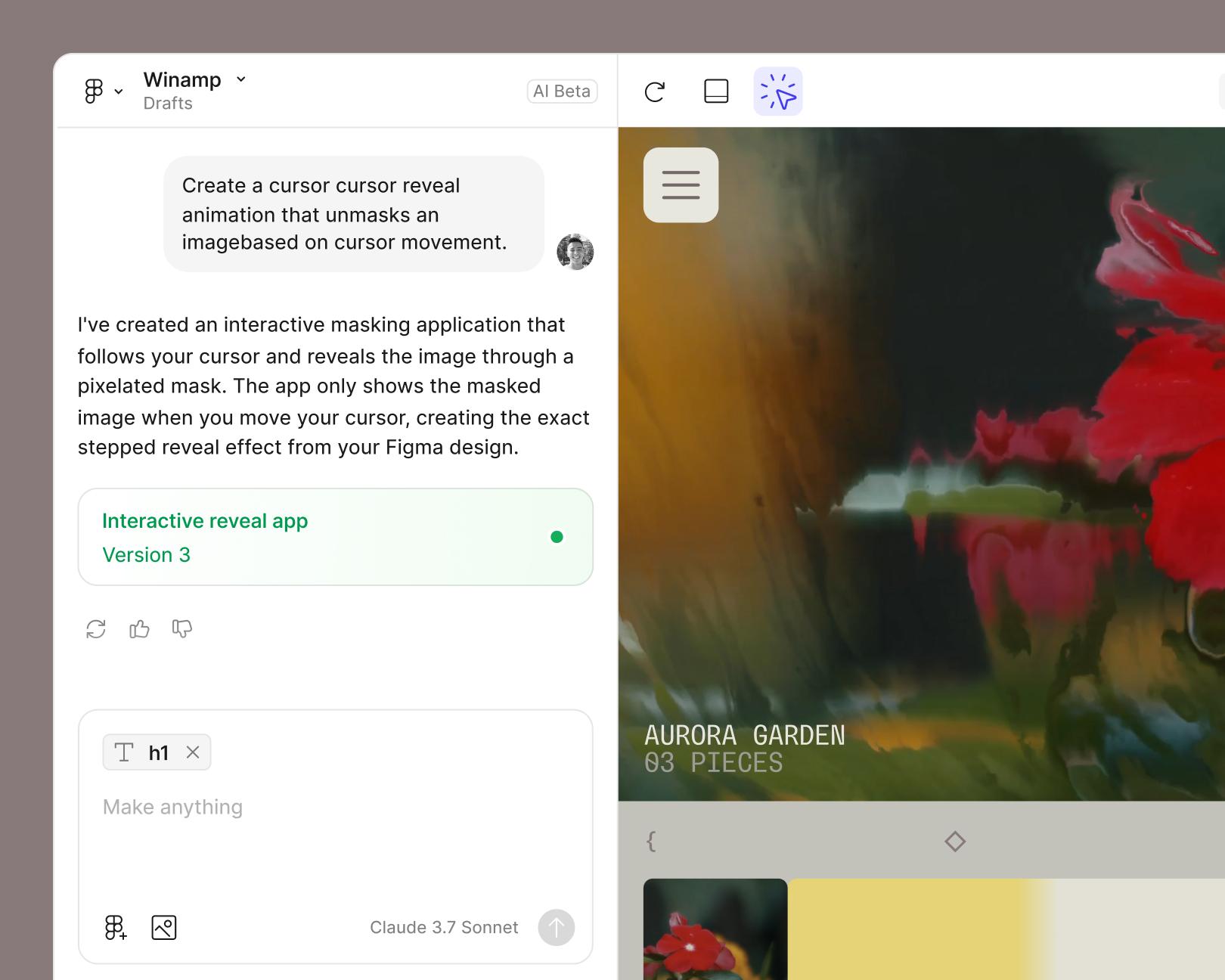
Describe your categories, question types, and scoring in everyday language, and Figma Make generates the structure, logic, and UI automatically.

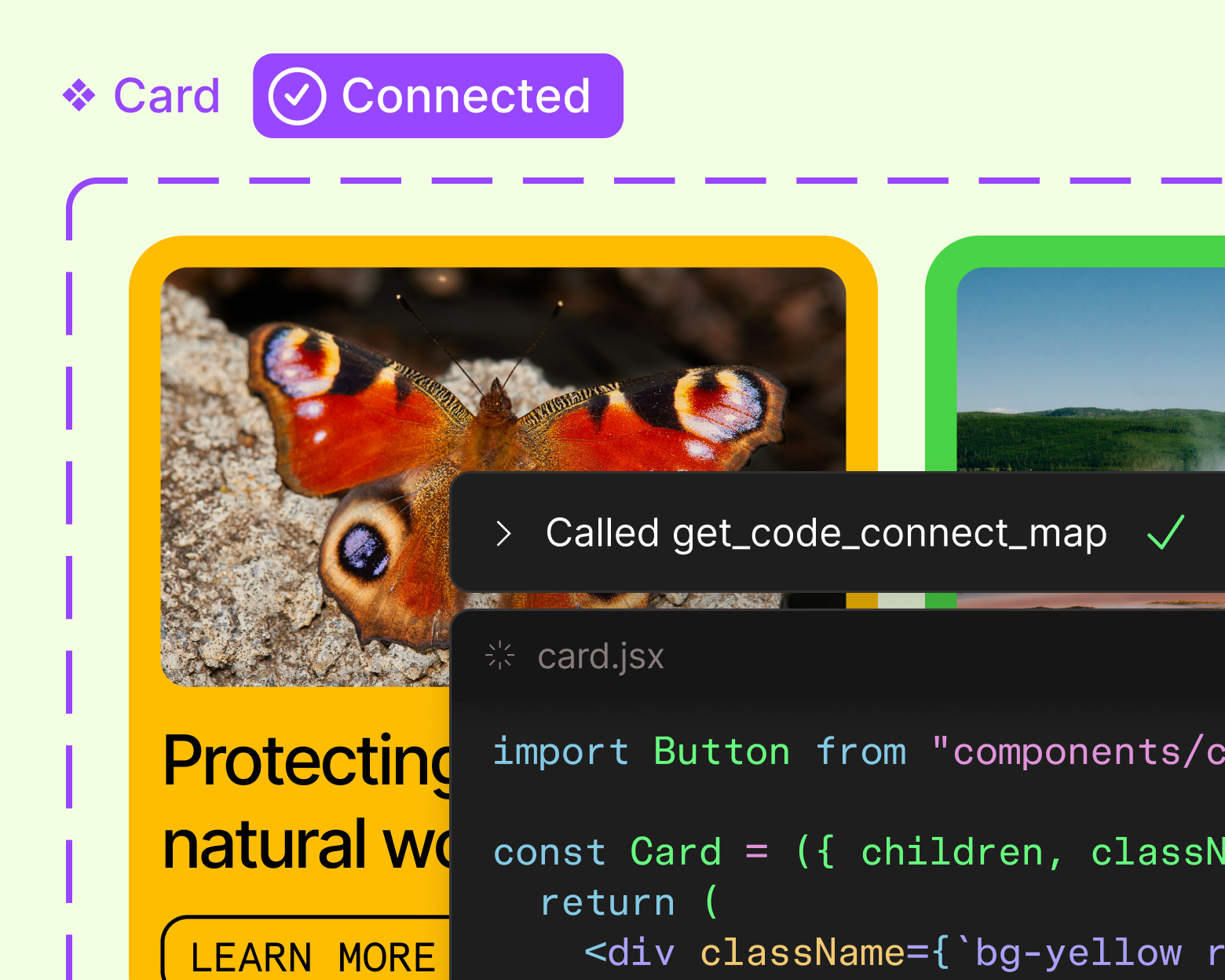
No tool-hopping between design and dev. Figma Make keeps you in flow from first question to final playtest.

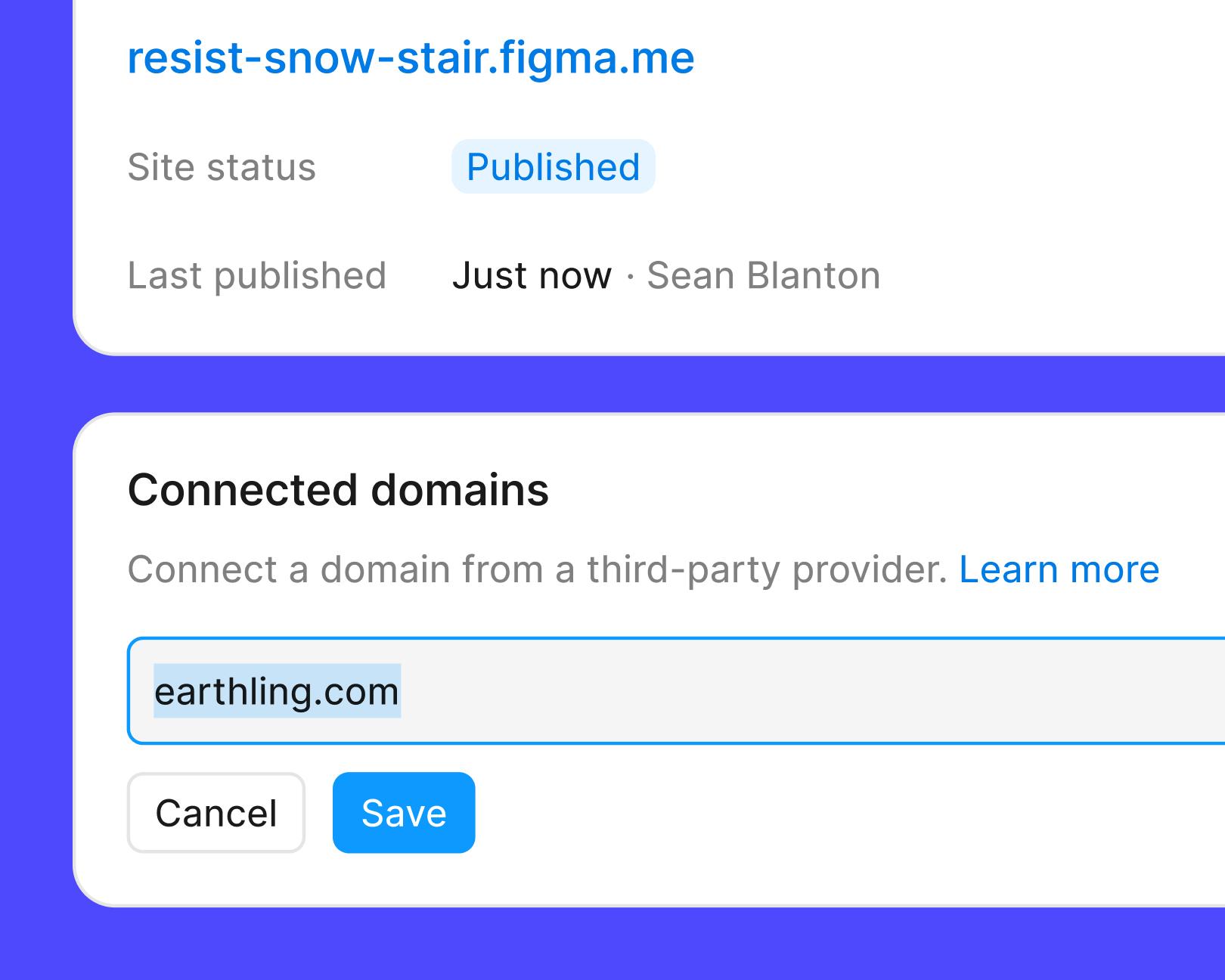
Send a link to teammates for feedback, or publish your trivia game for players everywhere.
See how makers, designers, and PMs are using Figma Make to build no-code web apps—from internal tools to product MVPs.
The handoff from design to code doesn't have to be a one-way street. This workflow shows how a designer can connect a codebase to Figma Make, make the changes directly, and bring the whole team into review—right up to the PR.

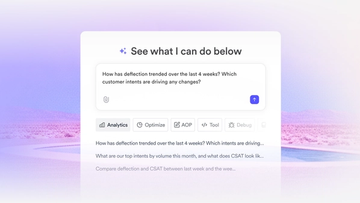
The fast-growing customer experience platform explains how Figma MCP and Figma Make helped them scale a new design system and keep pace with customer requests.
With accurate first results and fast iterations, OpenAI’s GPT-5.6 gives your builds a strong start in Figma Make.

From sharing your best thinking to learning from your team’s go-to prompts, here’s what skills unlock in the Figma agent.

The Figma MCP server reaches further across the platform than it ever has. From updating a living deck to shipping a design to production—here's what that looks like in practice.


AI tools are changing how teams build products—from where they start to what carries through to production. Here's what that shift looks like across four organizations.

Learn about Model Context Protocol (MCP), the open standard that simplifies AI integration like a USB-C for data.

Vibe coding combines mood-driven design with seamless coding to create immersive digital experiences that connect emotionally and function flawlessly.


Building an app requires research and constant iteration to meet customer needs. Learn how to design an app and how Figma can help in this guide.