
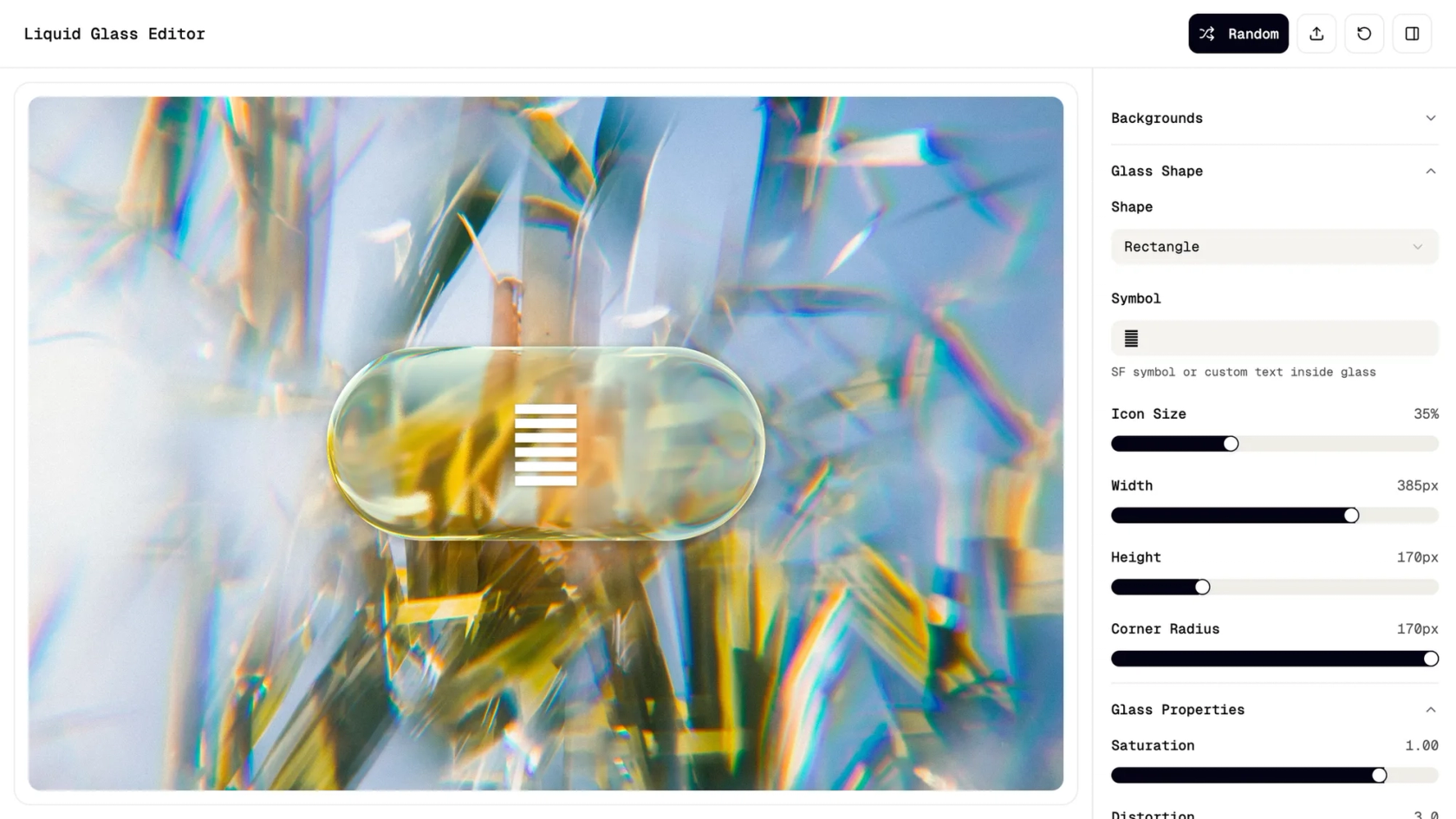

AI UI generator in Figma Make
Describe the interface. Figma Make builds it—fast, and fully editable.
Design polished interfaces with AI

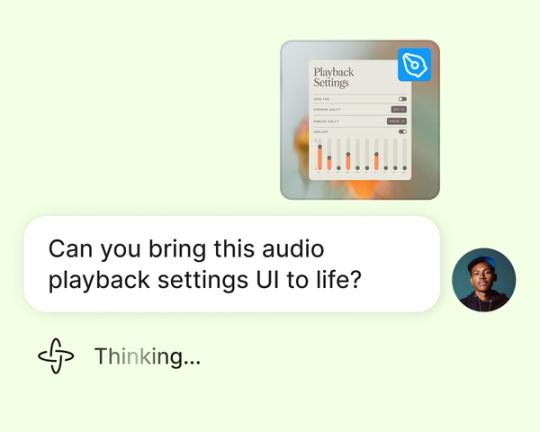
Generate UIs through prompts
From buttons to complex layouts, Figma Make builds full interfaces based on what you describe.


Refine and reuse components
Every UI element is editable—just prompt for updates or fine-tune the details.

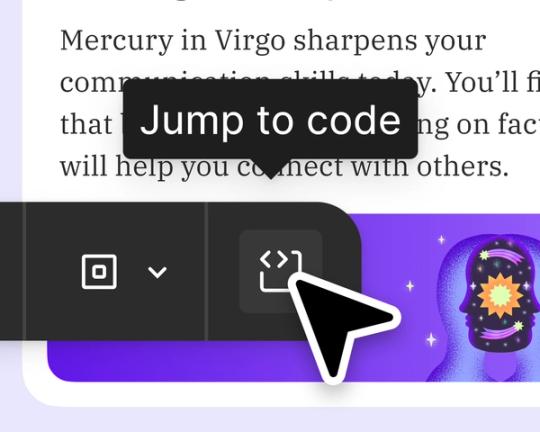
Automate layout and structure
Let AI handle hierarchy, alignment, spacing, and responsiveness. Figma Make automates the details for you.
Preview and iterate faster
Test your app in context. Prompt small changes—or pivot to something completely new.
Built by real designers.
See what designers are building with AI UI tools in Figma Make—from marketing pages to product dashboards to mobile-first flows.
- Daniela Muntyan
- Abhiram Ramoju

- Yossef Saeed

- Joshua Guo


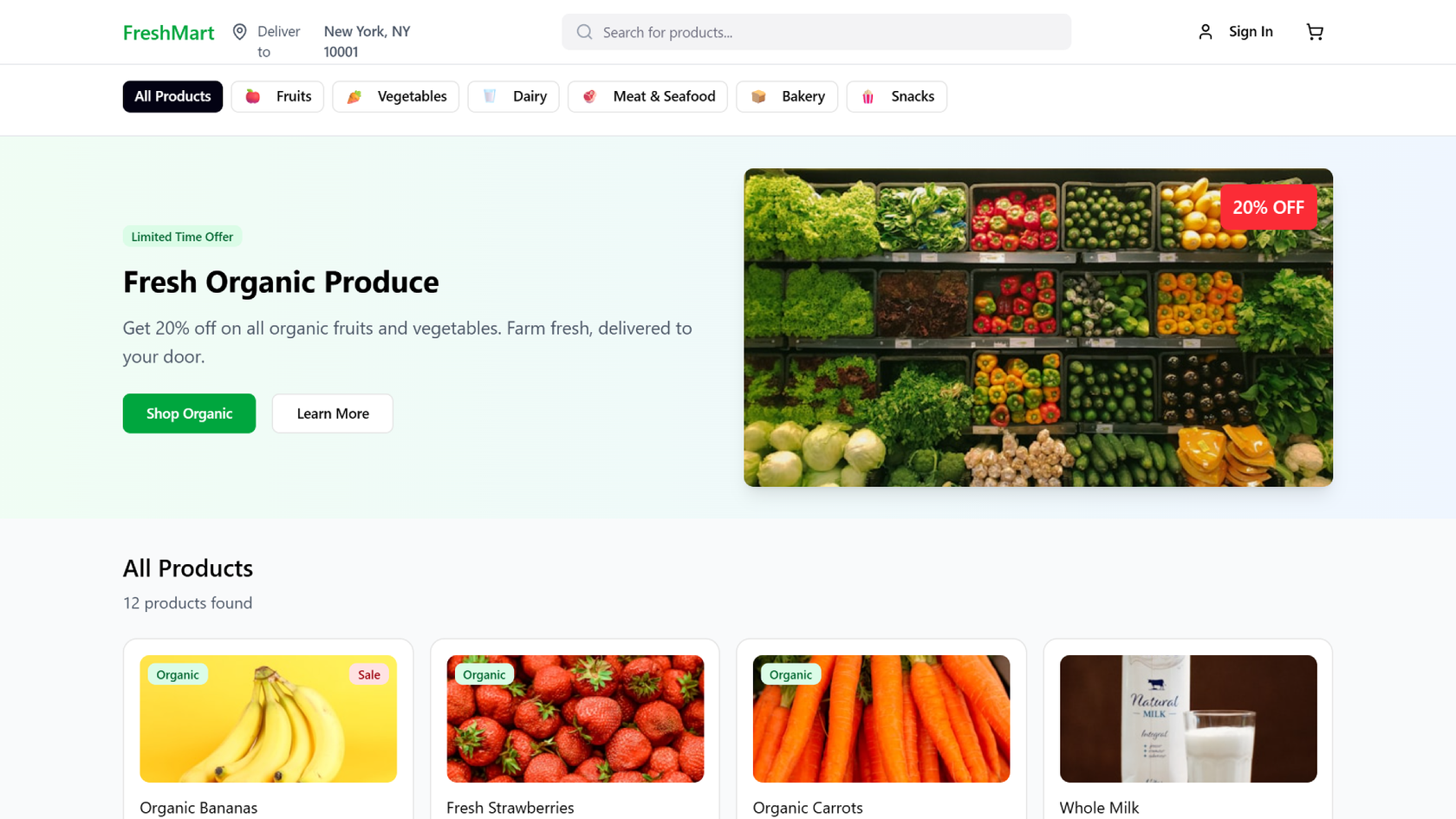


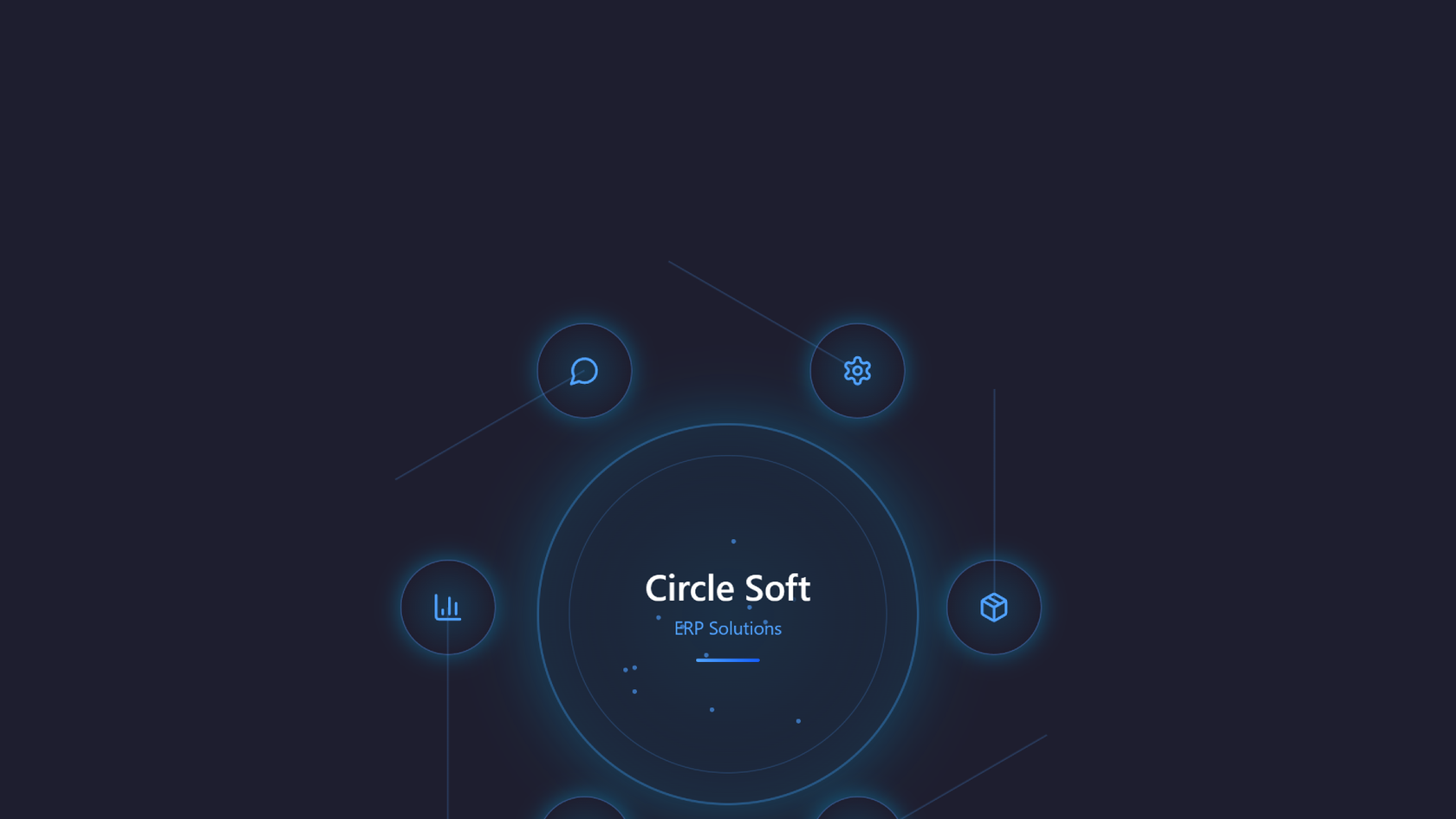


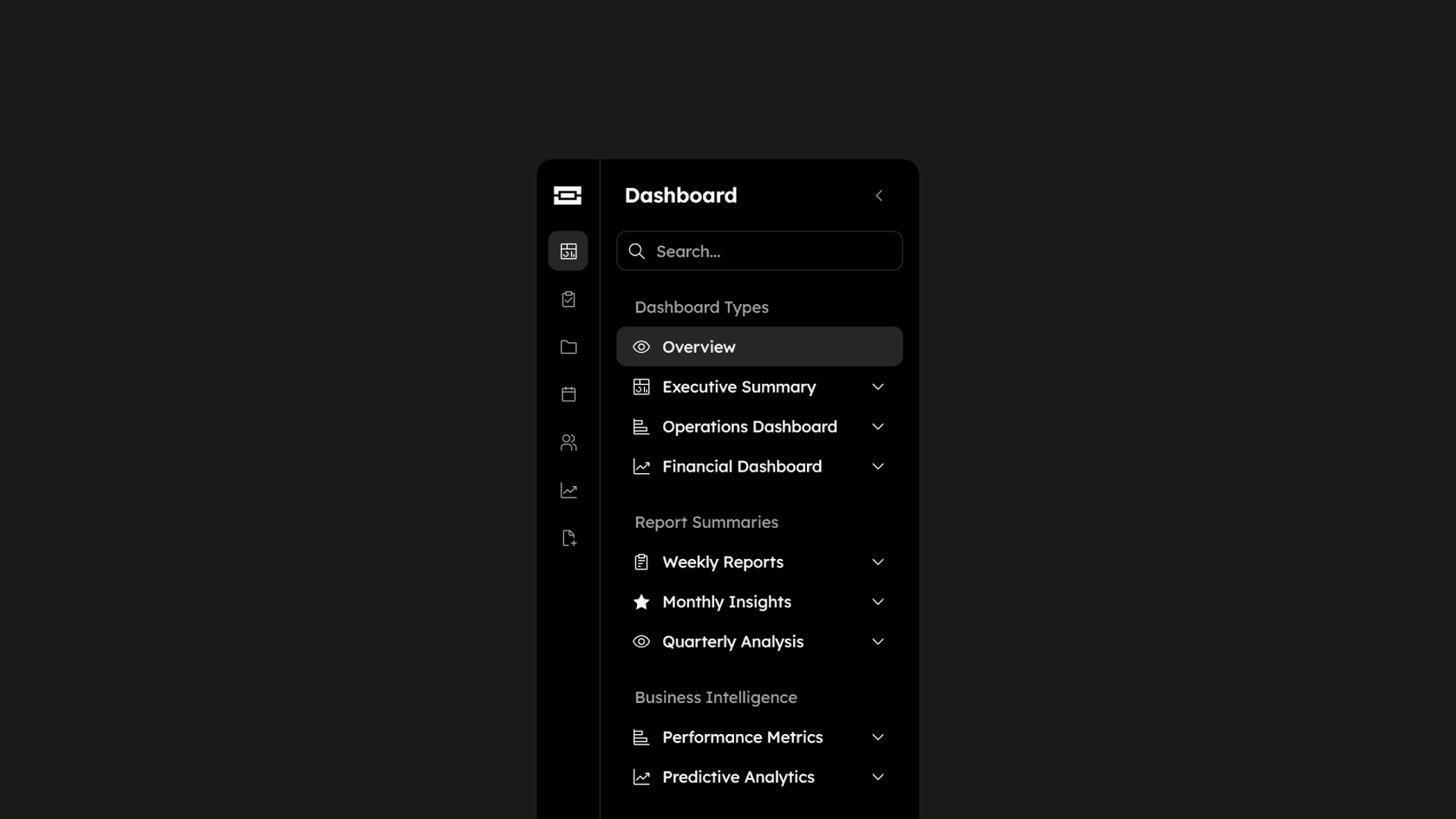

How to generate UI with AI in Figma Make
Start from scratch in Figma Make or use an existing frame from Figma Design.
Use prompts to define the layout, components, and visual structure.
Figma Make builds a clean, interactive UI—styled, structured, and editable.
Prompt again, adjust by hand, or let AI handle layout tweaks automatically.
FAQs
An AI UI generator turns natural language prompts into working user interfaces—layouts, components, and styling included. Figma Make helps you design UIs faster with full editing and iteration control.
They’re often used interchangeably. Figma Make supports both: it can generate UI from scratch or help you refine and extend what you already have.
AI UI automation means using AI to handle structure, spacing, hierarchy, and layout logic automatically—so you don’t have to adjust every pixel yourself.
No. Just describe your UI with prompts. If you want to go deeper, you can inspect or edit the logic or code behind your design.
Yes. Many teams use Figma Make to prototype real layouts, dashboards, and user flows—then test, refine, and publish.
Yes. Figma Make integrates with a backend so you can use real content or API data.
You can try Figma Make for free on the Starter plan. Advanced features are available on paid plans.
Unlike manual UI design, AI UI generators automate many repetitive tasks, enabling designers to focus on higher-level creative work.
AI UI generators can significantly speed up the design process, enhance creativity, and reduce manual effort in layout and structure.
Unlike manual UI design, AI UI generators automate many repetitive tasks, enabling designers to focus on higher-level creative work. According to Figma's State of the Designer 2026 report, 89% of designers who increased their AI usage say it helps them work faster—and 91% say it improves the quality of their outputs, not just their speed.
AI UI generators can significantly speed up the design process, enhance creativity, and reduce manual effort in layout and structure. Figma's State of the Designer 2026 report found that 80% of designers say AI improves collaboration across teams, and those increasing their AI usage are 25% more likely to report growing job satisfaction. The result is faster iteration without sacrificing creative control.
From the blog
Workflow lab: Deploying designs directly with Figma Make
The handoff from design to code doesn't have to be a one-way street. This workflow shows how a designer can connect a codebase to Figma Make, make the changes directly, and bring the whole team into review—right up to the PR.

How Decagon uses AI for design system saturation
The fast-growing customer experience platform explains how Figma MCP and Figma Make helped them scale a new design system and keep pace with customer requests.
GPT-5.6 is now available in Figma Make
With accurate first results and fast iterations, OpenAI’s GPT-5.6 gives your builds a strong start in Figma Make.

Got skills? Make the Figma agent a better collaborator
From sharing your best thinking to learning from your team’s go-to prompts, here’s what skills unlock in the Figma agent.

4 ways we’re using our MCP server at Figma
The Figma MCP server reaches further across the platform than it ever has. From updating a living deck to shipping a design to production—here's what that looks like in practice.


4 new ways to go from idea to product with AI tools
AI tools are changing how teams build products—from where they start to what carries through to production. Here's what that shift looks like across four organizations.
More resources

What is MCP?
Read articleLearn about Model Context Protocol (MCP), the open standard that simplifies AI integration like a USB-C for data.

What is Vibe coding?
Read articleVibe coding combines mood-driven design with seamless coding to create immersive digital experiences that connect emotionally and function flawlessly.

How to design an app in five steps
Read articleBuilding an app requires research and constant iteration to meet customer needs. Learn how to design an app and how Figma can help in this guide.