

What is vibe coding?
Vibe coding combines mood-driven design with seamless coding to create immersive digital experiences that connect emotionally and function flawlessly.
Skip to main content
Building with AI


Ever find yourself stuck, waiting on front-end code to catch up with your design sprint, or rewriting the same logic just to test another layout idea?
Artificial Intelligence (AI) coding tools are changing that. These tools help you build, test, and iterate faster without breaking flow.
According to the PM field guide for AI, an LLM can help clarify early thinking, working as a “brain dump” according to Darsh Thakkar, product manager at Microsoft. With changing roadmaps and flattened timelines, the right AI tools for coding can sharpen your approach before you move into prototyping.
This guide breaks down what to look for—and which tools to try—if you want to speed up your build process without sacrificing code quality.
Read on to learn:
| AI coding tool | Ideal for | Key features (specific AI capabilities) |
|---|---|---|
| Figma Make Local | Designers and developers who want to go from concept to a fully designed project ready for release within hours | Collaborative workspace, Prompt-based project creation, Full code access, Easy component linking |
| GitHub Copilot | Development teams already working inside GitHub who want AI assistance woven into their existing workflow | Agentic coding, MCP support, Next edit suggestions |
| Cursor | Development teams who want deep, whole-codebase AI integration within IDE environments | Whole-codebase agent, Parallel agents, Model routing |
| Tabnine | Engineering teams in regulated industries where code privacy protection is non-negotiable | Flexible private deployment, Enterprise Context Engine, MCP server integration |
| Lovable.dev | Founders and product managers who want to go from idea to a working full-stack web app without writing code | Figma import, Visual Edits, Built-in payments |
| Claude Code | Engineering teams working across large, complex codebases | Whole-codebase task handling, Autonomy controls, MCP integration and CLI support |
| Replit Ghostwriter | Non-technical founders, students, and early-stage teams who want to build and deploy full-stack apps entirely in the browser | Autonomous, self-testing agent, Figma import, Security scanning |
| JetBrains AI Assistant | Development teams already standardized on JetBrains IDEs who want AI assistance | Deep IDE integration, Multi-file editing, Custom model support |
| Sourcegraph Cody | Large enterprises and engineering organizations managing complex, multi-repository codebases | Multi-repository context, Guardrail tools, Model flexibility |
| Amazon Q Developer | Engineering teams working primarily within AWS | AWS-native generation, Transformation agent, Security and compliance checks |
| Windsurf | Solo developers and small teams who want an AI-native IDE built around agentic workflows | Cascade agent, Proprietary model, MCP integration |
| Gemini Code Assist | Enterprise teams building on Google Cloud who need AI assistance | Agent mode, Compliance with industry regulations, Simple tools |
| ChatGPT Advanced Data Analysis | Data analysts, technical product managers, and developers who need quick Python-driven data analysis, visualizations, or one-off scripts without leaving a chat interface | Natural language interpretation, Visualization tools, Document review |
| Qodo | Engineering teams focused on code quality and test coverage | Multi-agent code review, Automated test generation, Context Engine |
| Figstack | Developers onboarding into unfamiliar codebases, technical learners, and engineers who frequently switch between programming languages | Explain Code, Language Translator, Time Complexity analysis |

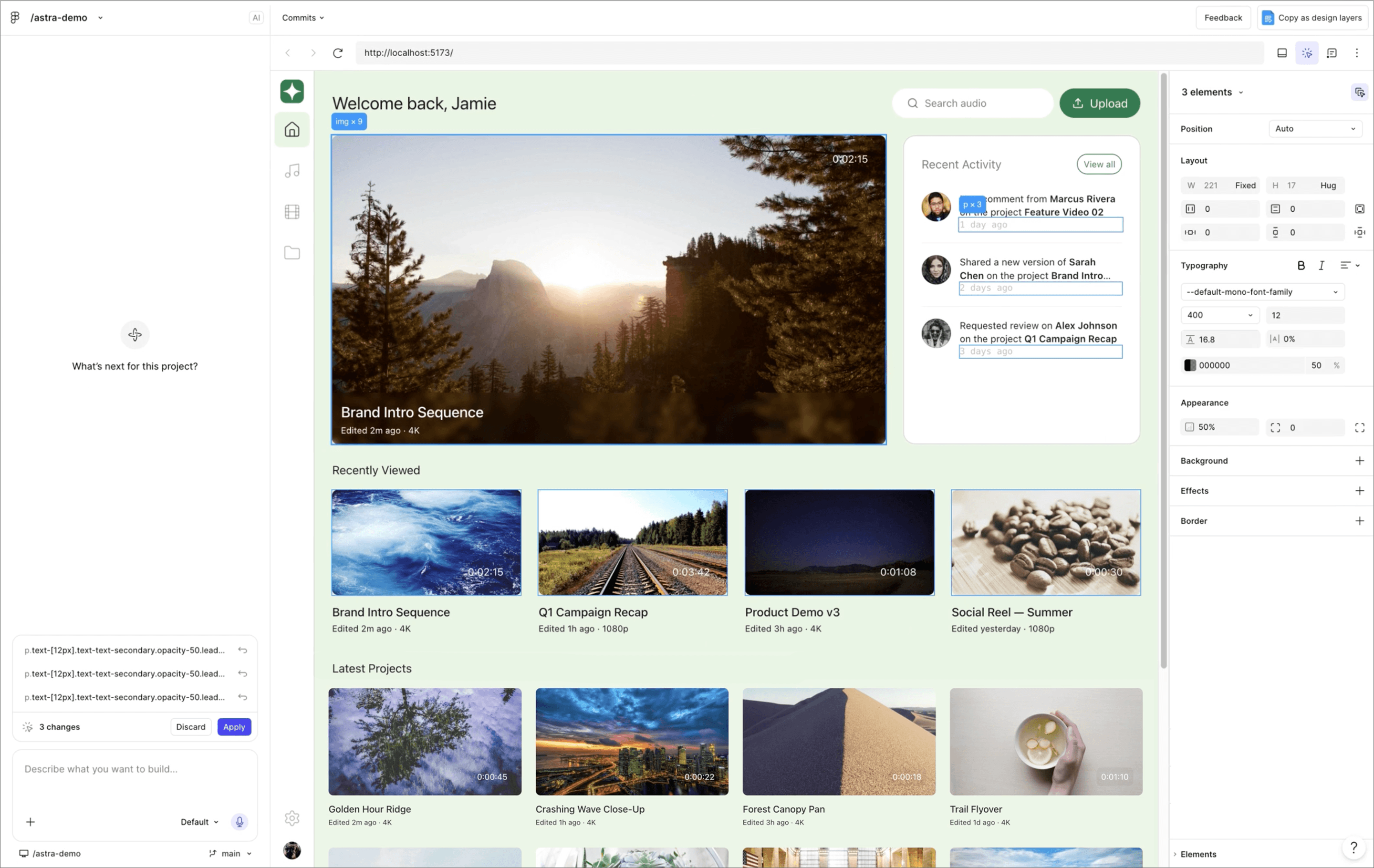
Ideal for: Designers and developers who want to go from concept to a fully designed project ready for release within hours.
Figma Make Local is a prompt-to-app tool that transforms natural language descriptors into functional designs and interactive prototypes you can release within hours. It goes beyond Figma Make by giving you a base to ship your idea, and it builds fully designed software using conversational AI to reduce handoffs.
What differentiates Make Local from a regular code generator is the creation of a complete product feature and idea. By describing what you want, the lift for creation becomes much easier. Plus, its context-aware system knows how to design the way other tools don’t. With Figma Make Local, the design process becomes the entire build process.
The workflow stays connected through a continuously collaborative environment for developers and product managers. Dev Mode gives developers accurate specs, code snippets, and component mappings as designers build. Through the Figma MCP Catalog, you can connect to the AI tools already in your development environment. This brings context directly into the coding workflow your team already uses.
Whether you’re validating an idea through prototyping or moving a design straight to deployment via Figma Sites, Make Local eliminates the distance between a good idea and an excellent build by combining design, coding, and shipment in a comprehensive package.
Connect Figma to top MCP clients to create agentic processes that handle routine tasks for you.

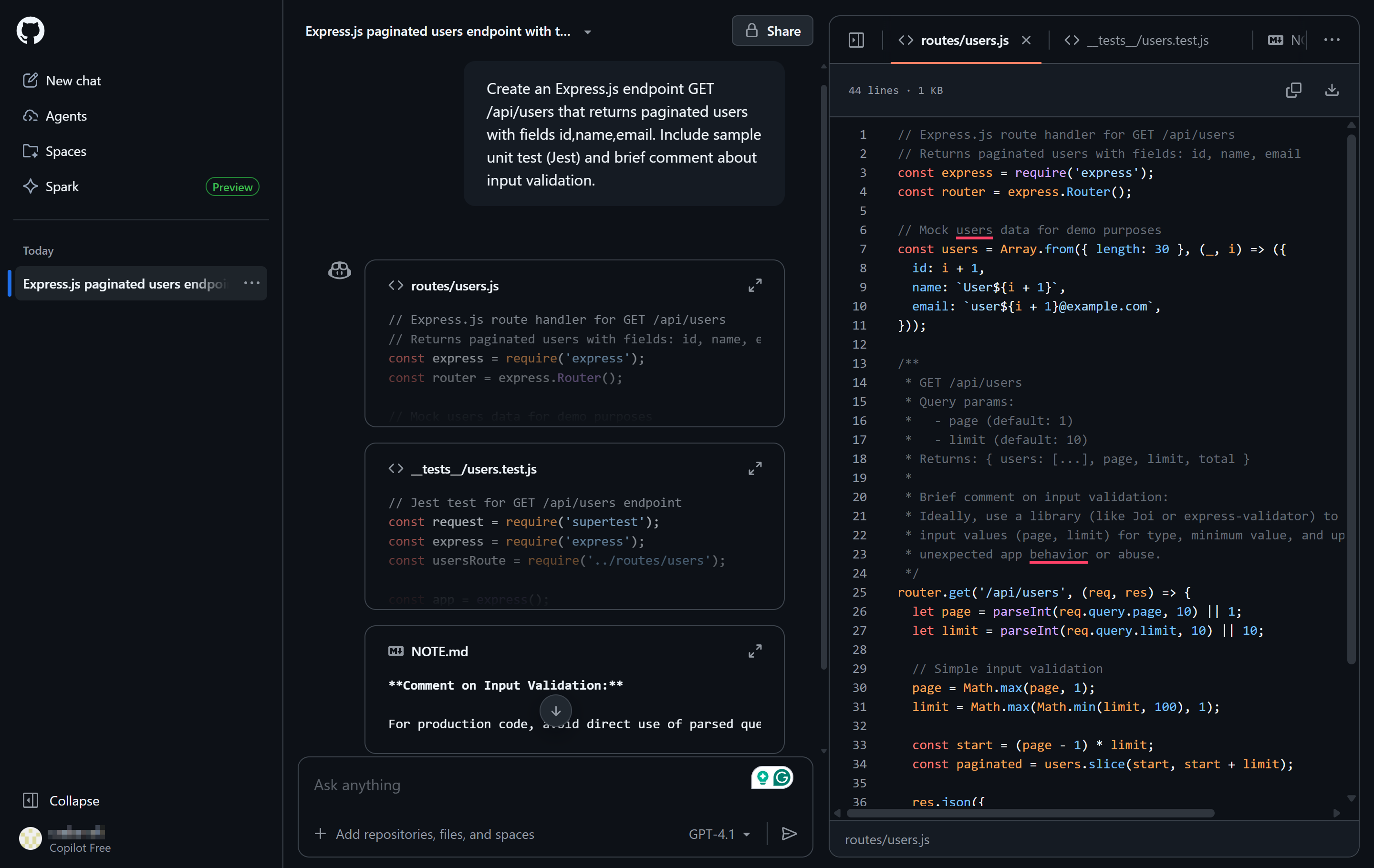
Ideal for: Repository-integrated coding assistance
GitHub Copilot is an AI pair programmer built natively within VS Code, JetBrains, Xcode, and Neovim. It handles inline code completions, multi-file edits, and pull request (PR) summaries. Its agentic mode handles tasks autonomously, pushing code through processes until the work is done.
Copilot integrates with GitHub repositories, making it easier to refactor code, review pull requests, and generate docstrings. Its chat interface supports interactive troubleshooting and code review within the IDE. Copilot supports multiple programming languages and adapts to your coding patterns, making it useful for developers working across varied projects or full-stack codebases.

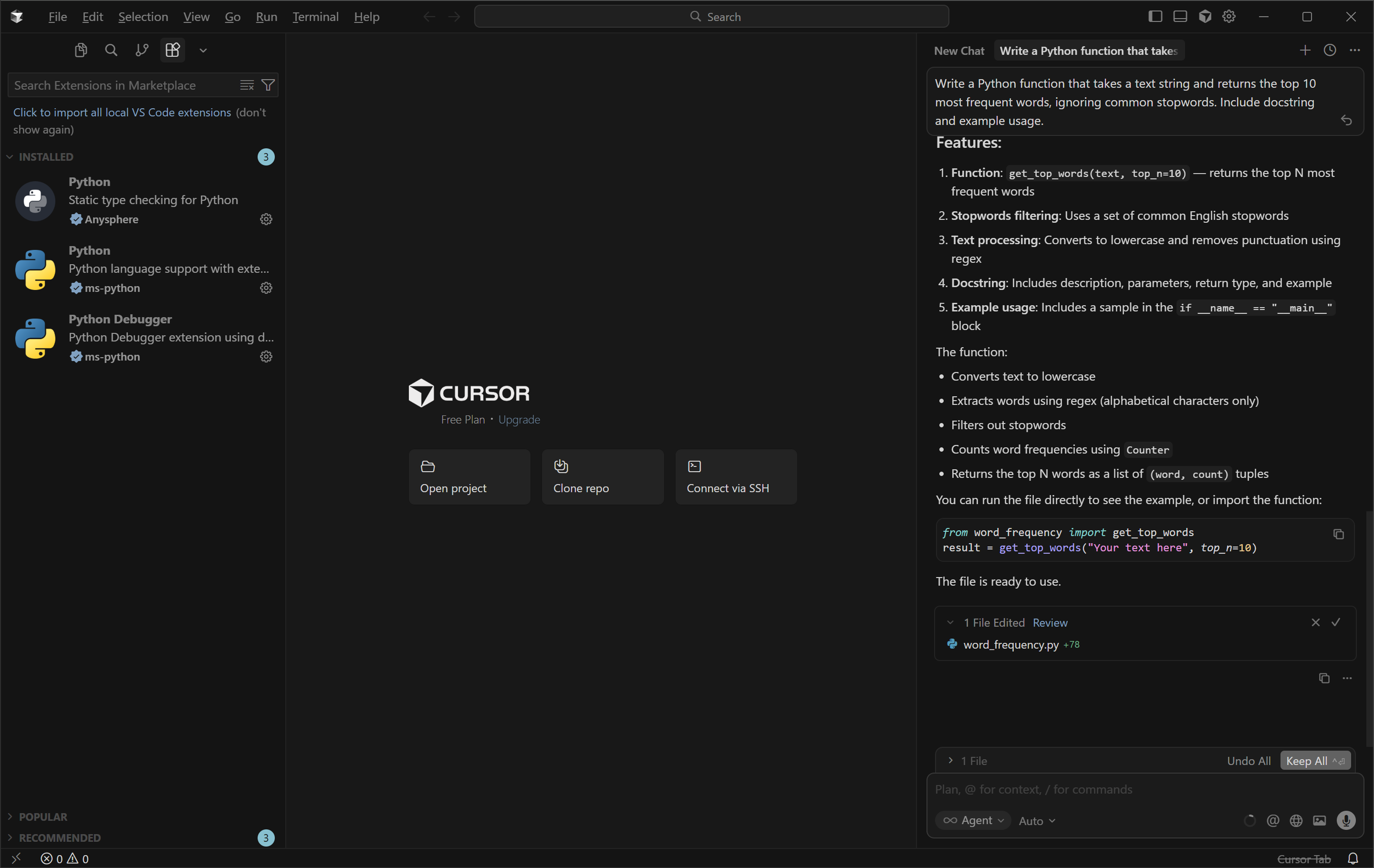
Ideal for: Development teams who want deep, whole-codebase AI integration within IDE environments.
Cursor is an AI-native IDE tool that’s baked into the VS Code editor. With high-level goals, Agent Mode can write, edit, test, and run code across files. With the release of Cursor 3, a multi-repo layout was introduced that keeps longer-running tasks running autonomously, even after you close your laptop.
With support for many programming languages, Cursor offers contextual inline suggestions, remembers coding context across sessions, and performs advanced refactoring and codebase searches. The tool’s speed and knowledge can help improve developer workflows and improve code assistance across multiple files.

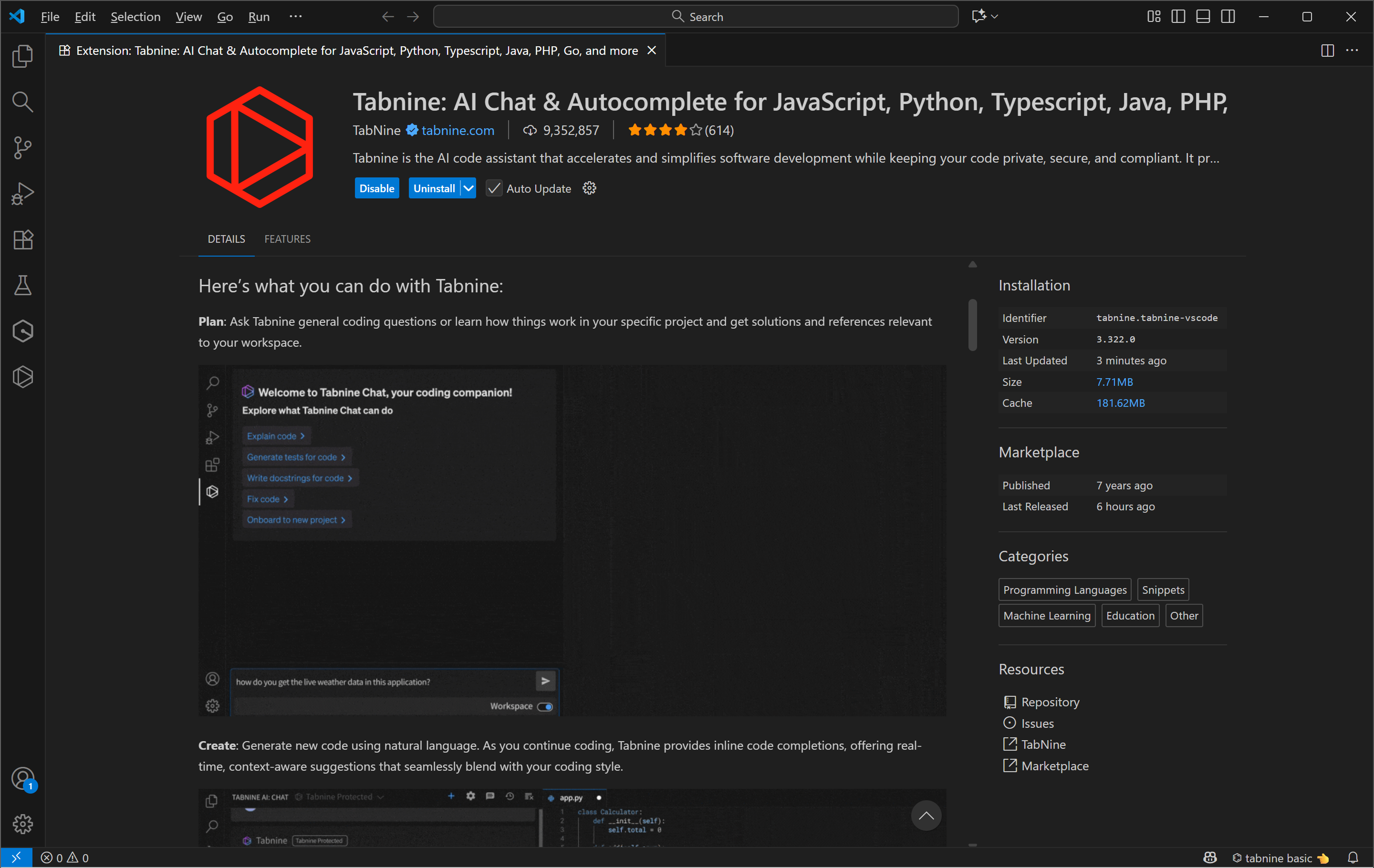
Ideal for: Engineering teams in regulated industries where code privacy protection is non-negotiable.
Tabnine is a privacy-first coding assistant built for organizations that can’t send code to the cloud. It works on local computers using tools like VPC and on-premises Kubernetes, with fully air-gapped deployment options for highly regulated environments. Also, the Tabnine Agentic Platform allows autonomous task execution that uses your codebase’s architecture and coding standards.
Tabine works through real-time suggestions, and the platform has stable performance across IDEs like VS Code, VIM, and JetBrains. It also supports on-premises hosting to help legal, medical, and government teams handle sensitive data.

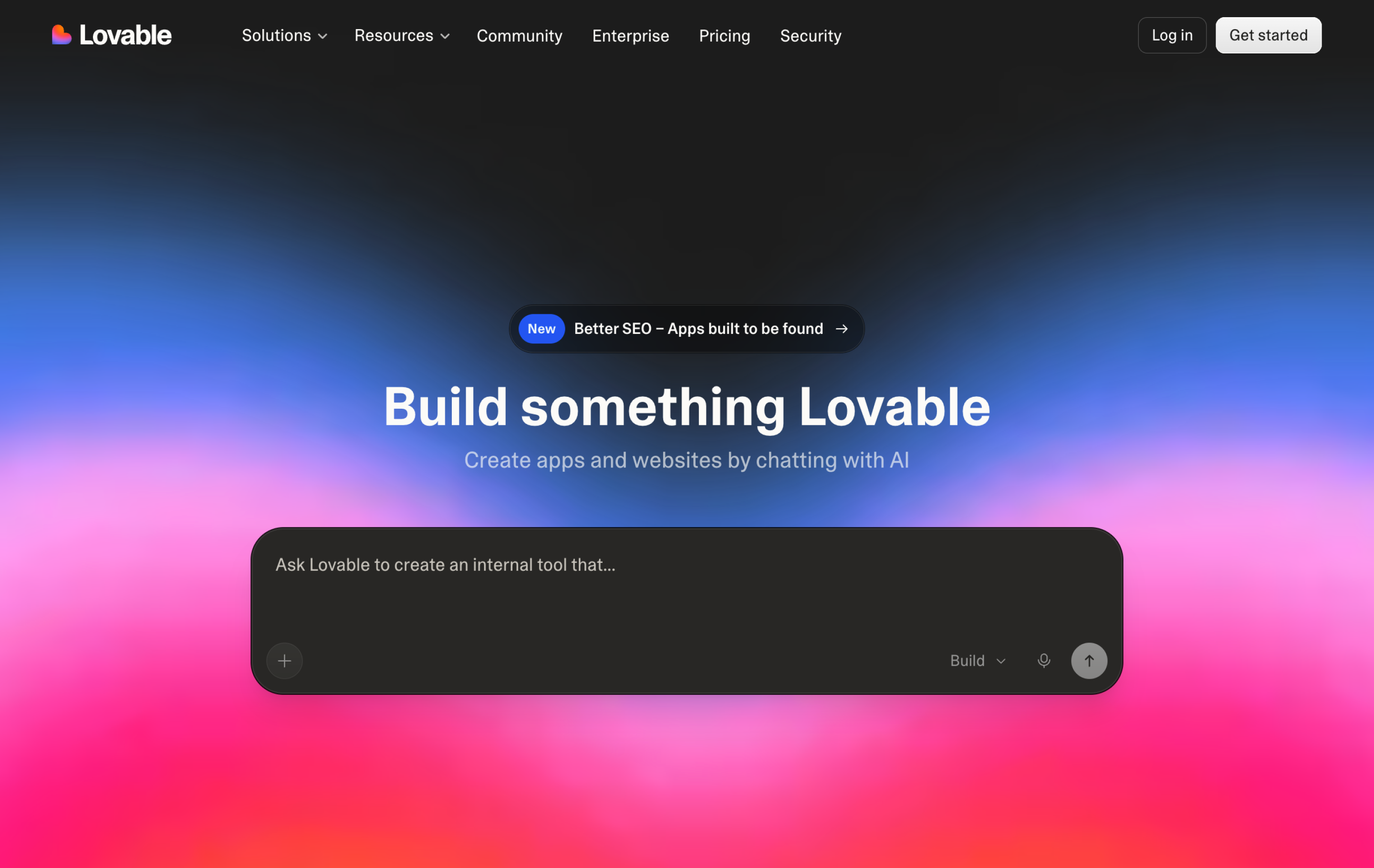
Ideal for: Founders and product managers who want to go from idea to a working full-stack Web app without writing code
Lovable.dev is a conversational AI platform that generates functional apps with React or TypeScript. It generates the front and back ends, and imports directly from Figma via its Import feature to turn a visual spec into a functional starting point. You can then use Lovable’s Visual Edits tool to modify interface elements without writing prompts, syncing data to GitHub to maintain code ownership.
The platform handles authentication, database, and file storage through Lovable Cloud, with built-in payment integrations for Paddle and Stripe. It's structured to take a project from initial idea to functional prototype.

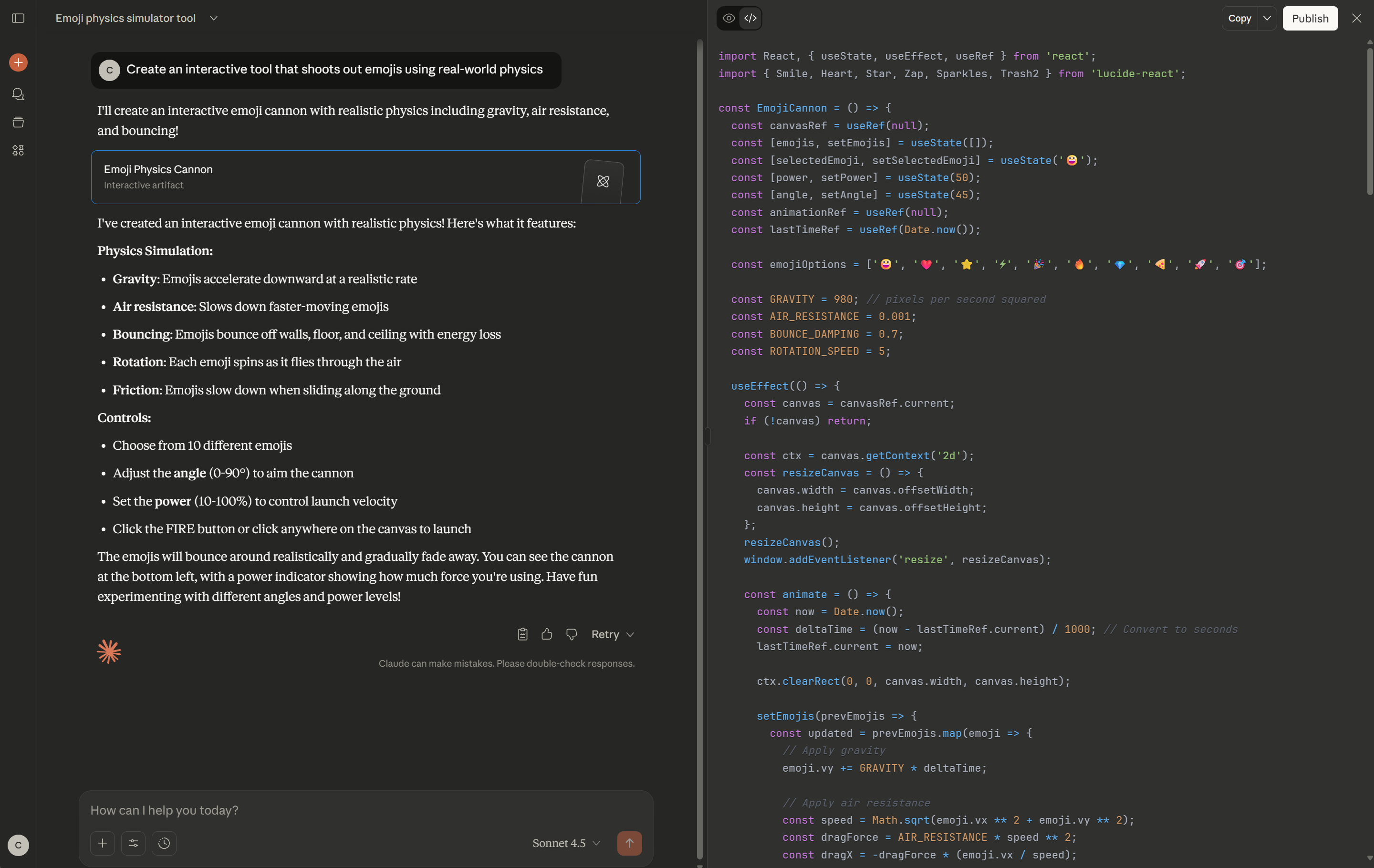
Ideal for: Engineering teams working across large, complex codebases
Claude Code by Anthropic handles large repositories, cross-language dependencies, and long-term memory across conversations. It handles tools like the GitHub CLI natively and connects to your MCP servers, including the Figma MCP, to pull design context into development workflows.
Its agentic tools help engineers understand the context behind error causes. Adjustable autonomy lets you choose whether fixes are applied automatically or need human approval.

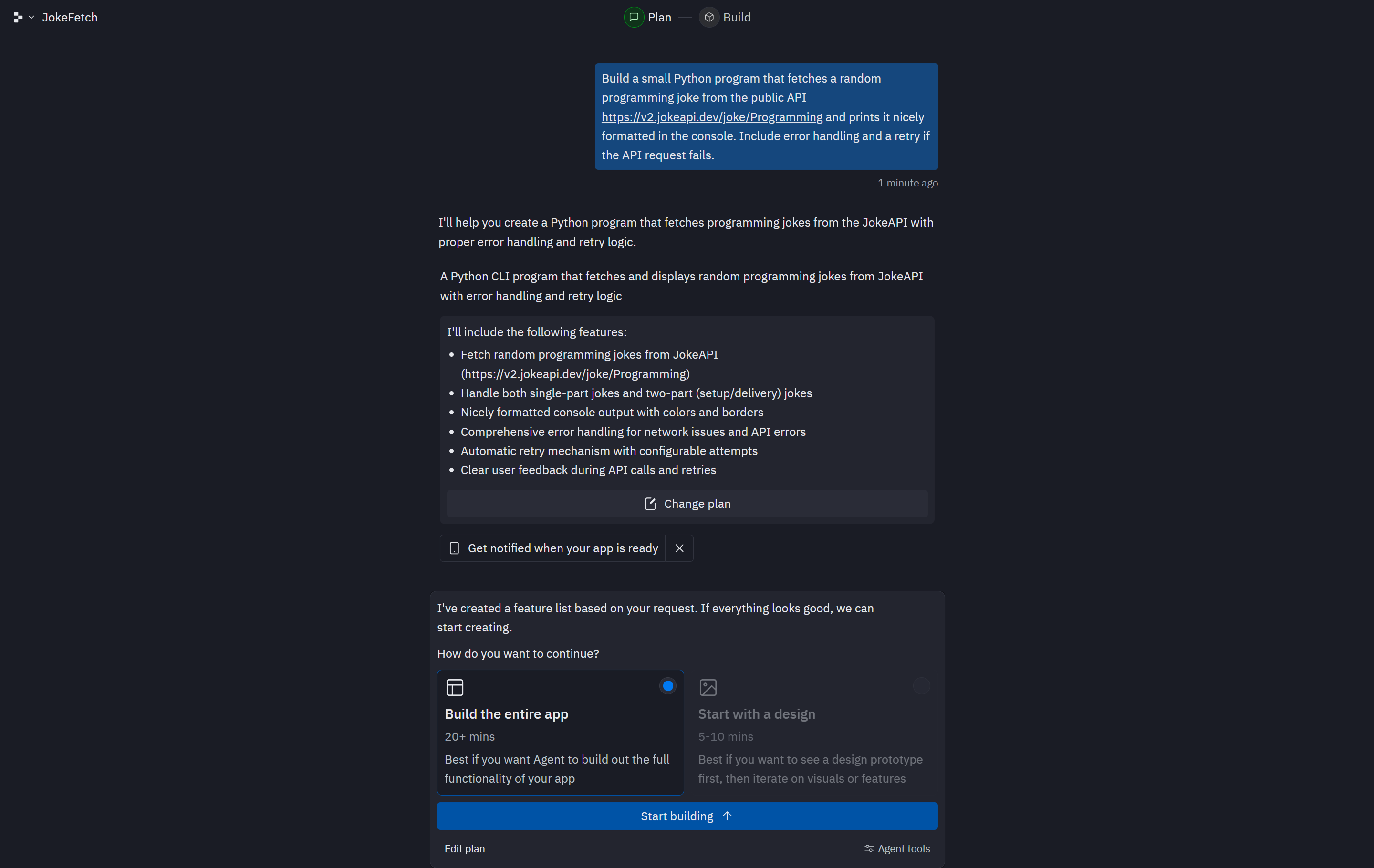
Ideal for: Non-technical founders, students, and early-stage teams who want to build and deploy full-stack apps entirely in the browser
Replit Ghostwriter is a browser-based development platform that uses an AI Agent to create full-stack apps from natural language prompts and real-time, inline code improvement suggestions. It supports over 50 languages and saw improvements in speed, autonomous capabilities, and self-testing with the releases of Agent 3 and 4.
The collaborative setup makes it easy to share, get feedback, and deploy without local installations. Authentication, database, and hosting are built-in services, making it possible to take a project from prompt to app from a single URL.

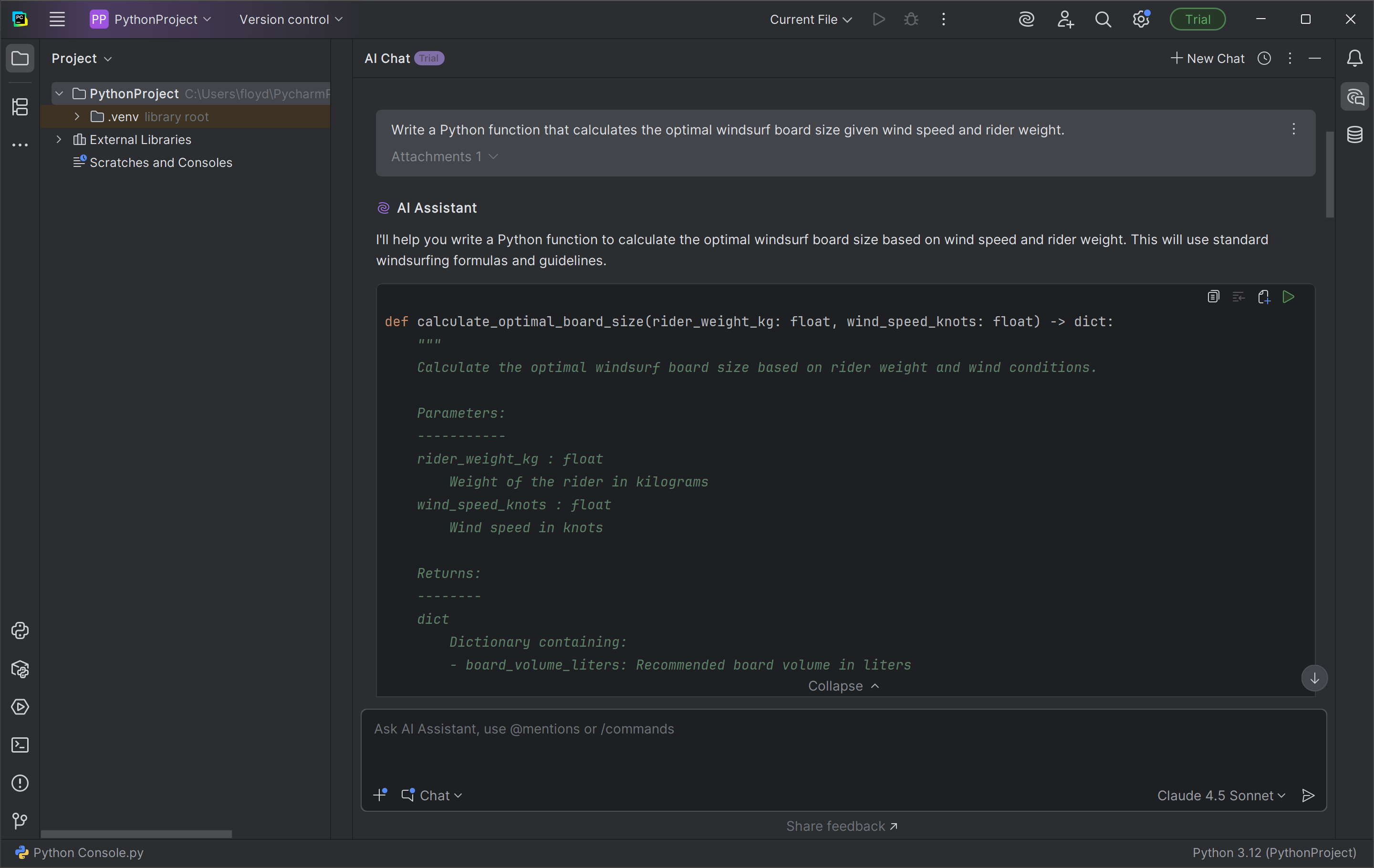
Ideal for: Development teams already standardized on JetBrains IDEs who want AI assistance
JetBrains AI Assistant’s AI-powered coding tools are integrated directly into the editor. It features a variety of AI workflows for inline documentation, rename refactoring, and commit messages. A 2025 update added multi-file editing, enabling changes across the entire project in a single chat.
The one-click cross-language converter helps repurpose your code into different programming languages. It can also connect to local AI models or third-party cloud AI models to use them for chats and other features. Because it doesn’t retain data, it's more useful for regulated industries with complex cloud environments.

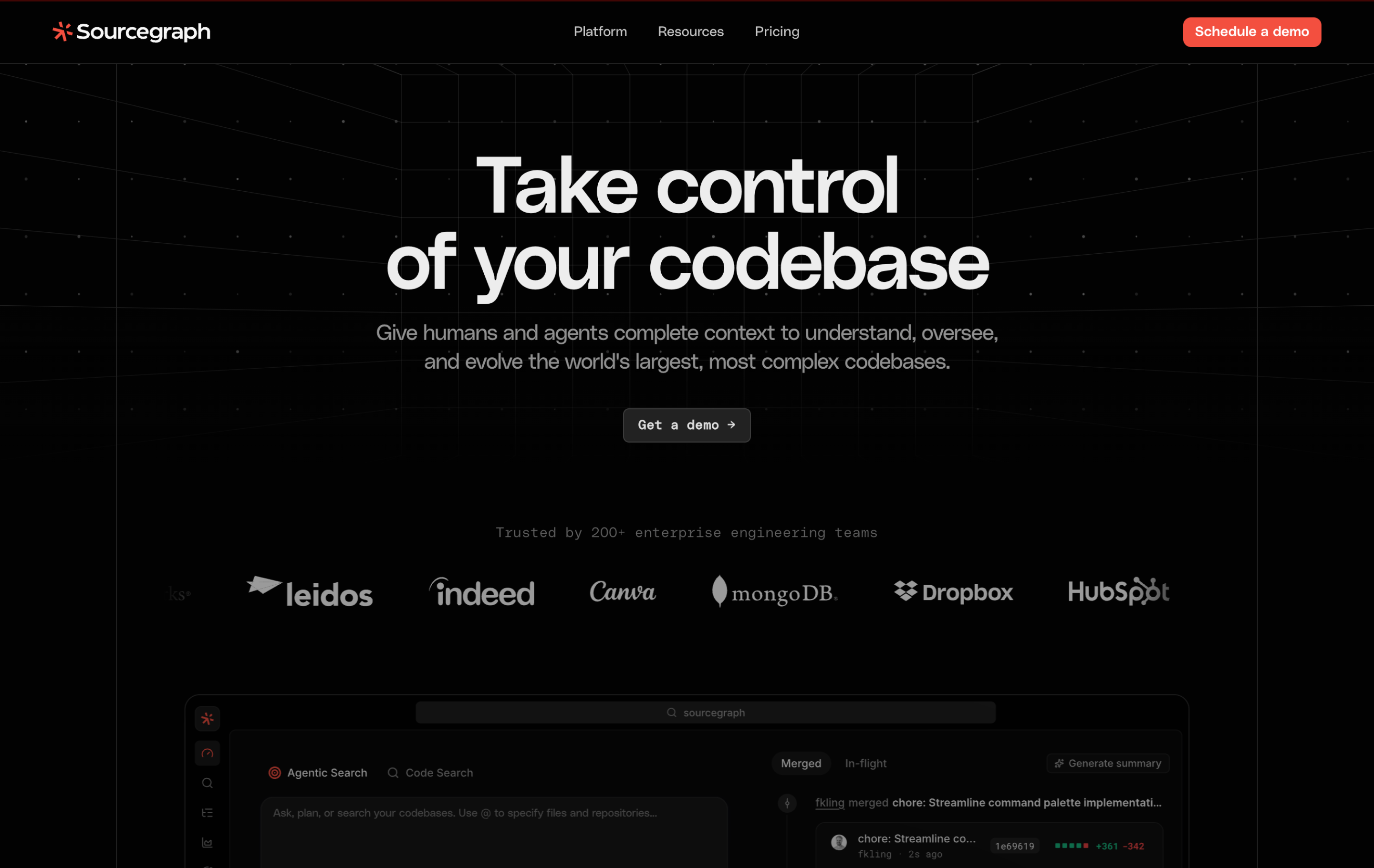
Ideal for: Large enterprises and engineering organizations managing complex, multi-repository codebases
Sourcegraph Cody is an AI coding assistant built on Sourcegraph’s Code Intelligence platform. Cody pulls context from your entire codebase—useful when the same logic runs across different services. It also verifies that any generated code doesn’t match open-source databases, using over 290,000 repositories to support compliance.
Cody supports models that include Claude, ChatGPT, and Google, with the option to bring your own LLM API keys to run self-hosted, local models. Enterprise teams can also set Context Filters that prevent sensitive code from being sent to third-party LLM providers, with deployment options for cloud-hosted and self-hosted setups.

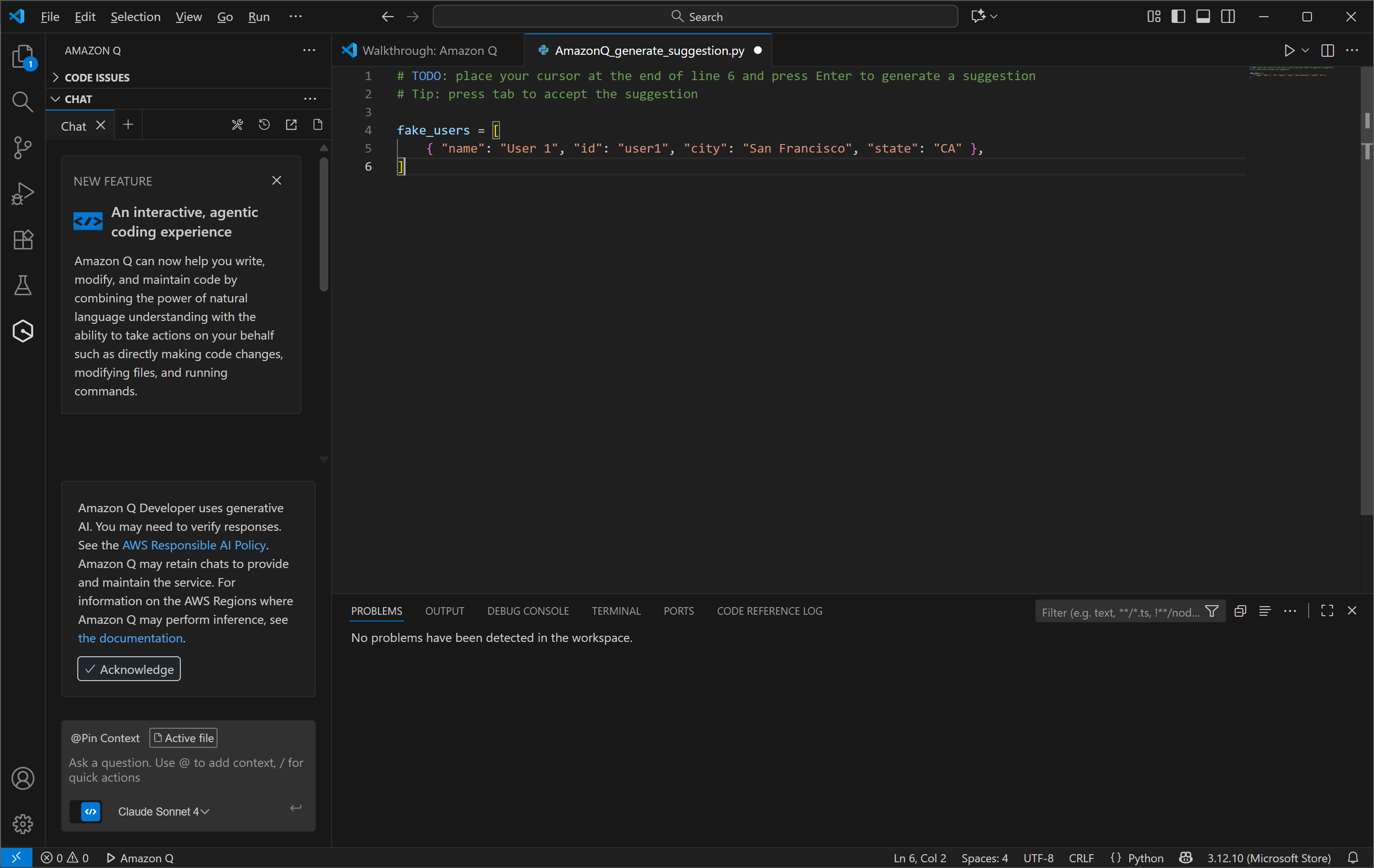
Ideal for: Engineering teams working primarily within AWS
Amazon Q Developer helps teams working inside AWS environments code faster and with fewer errors. It generates infrastructure-as-code snippets, suggests API calls, validates logic, and flags compliance risks in real time. Since 2024, it's expanded into a full agentic platform, adding autonomous agents capable of carrying out multi-step tasks, such as implementing new features.
Prompting uses AWS Console Integration alongside natural language suggestions. For more information, developers can find support through the site's forums and training programs.

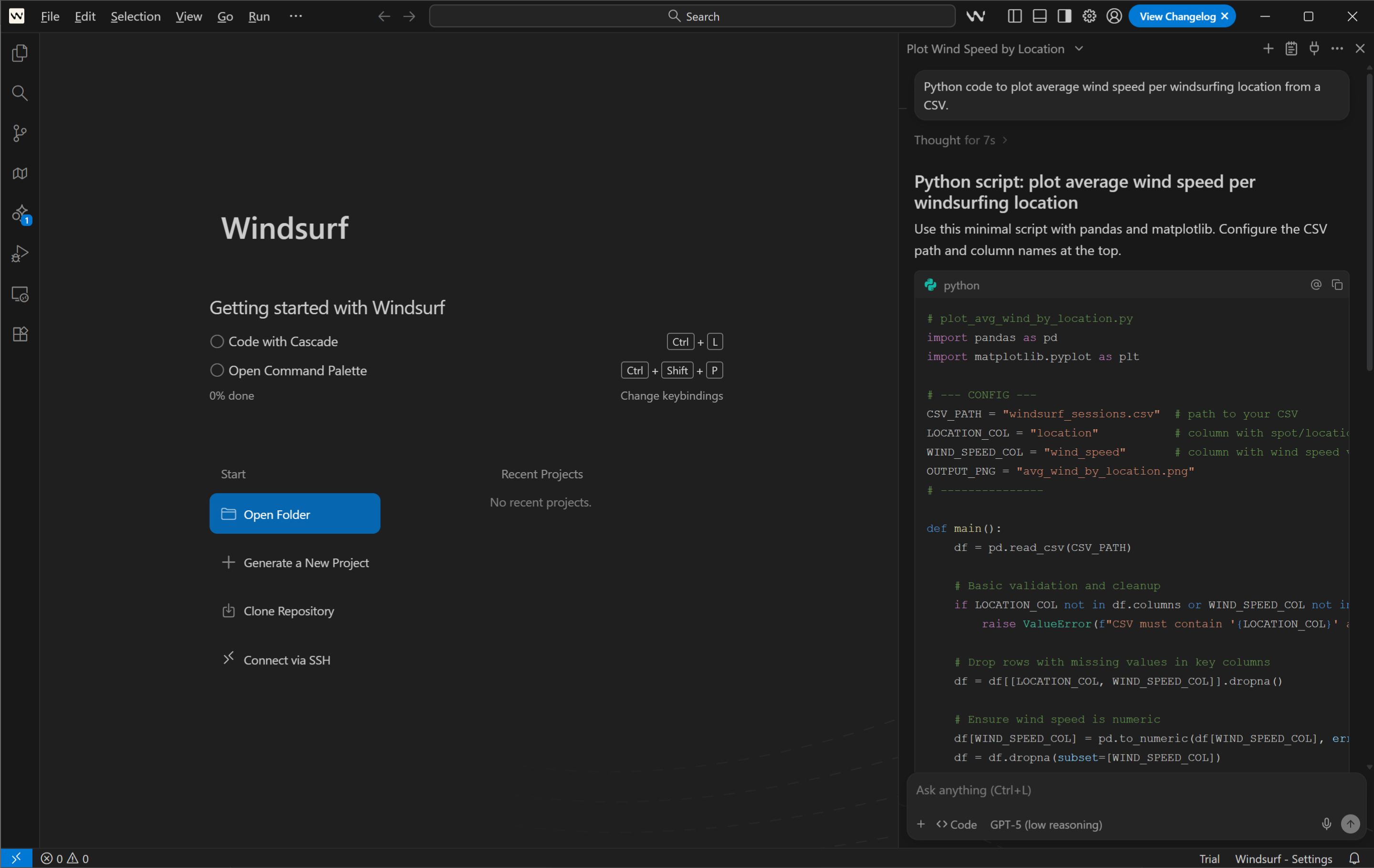
Ideal for: Solo developers and small teams who want an AI-native IDE built around agentic workflows
Windsurf is an AI-native IDE built for AI-enhanced team coding. It supports context-aware autocomplete, multi-file memory, and image-to-code prompts. You can write with chat or voice, refactor entire functions with Supercomplete, and sync styles and logic across projects.
More advanced features like Cascade let developers edit across large codebases with AI context retention. The proprietary SWE-1.5 model powers Cascade’s planning and execution, while Codemaps visualizes code structure with grouped sections and execution path traces.

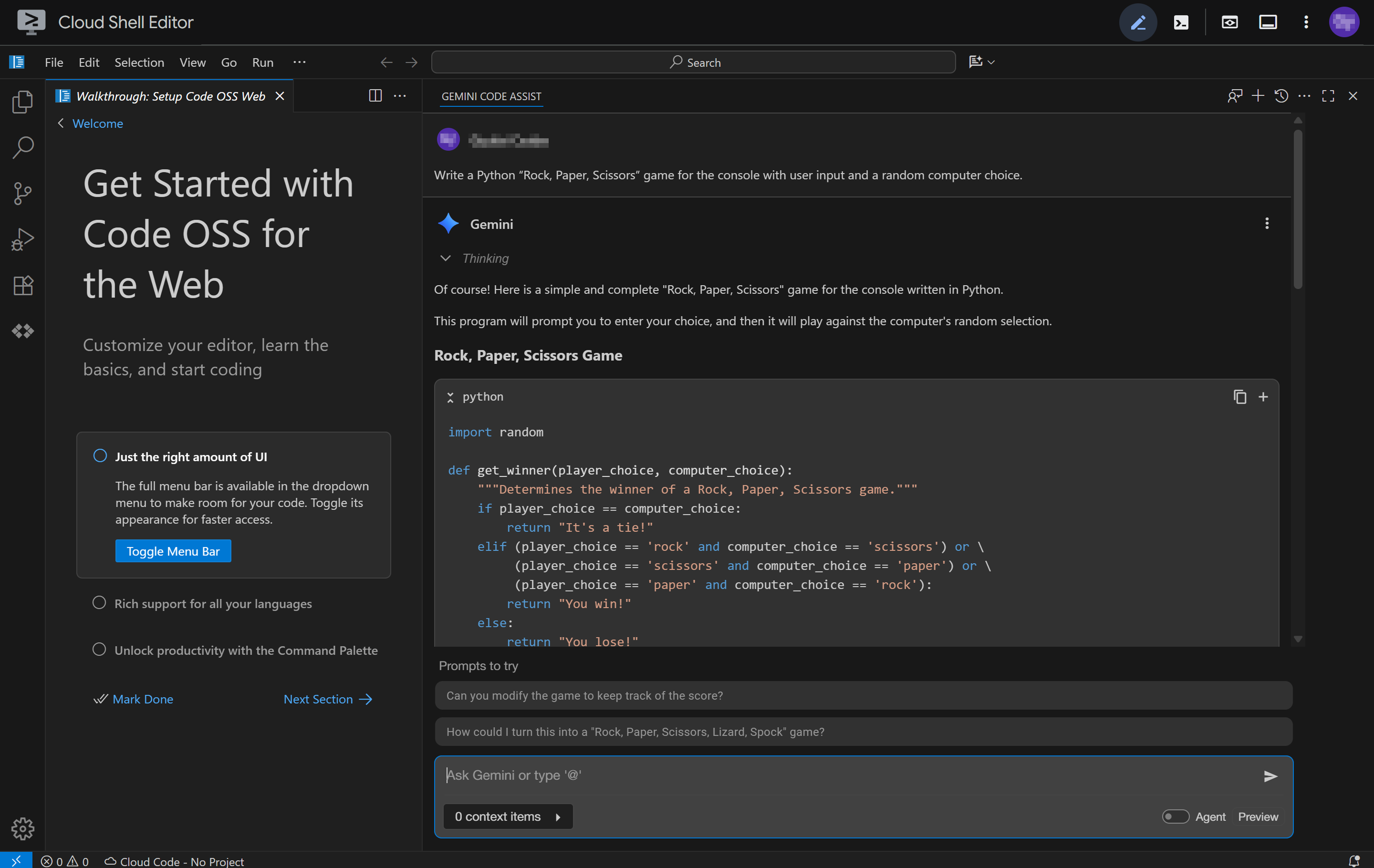
Ideal for: Enterprise use
Gemini Code Assist integrates Gemini 2.5 models into your IDE. It focuses on enterprise-grade security, compliance, and scalability, making it a good fit for organizations in regulated industries that require stringent compliance, such as finance, healthcare, and government.
Gemini Code Assist supports natural-language prompting for generating cloud infrastructure code, developing APIs, and managing large-scale codebases, with enhanced privacy controls. Its main draw is its integration with Google Cloud services and APIs.

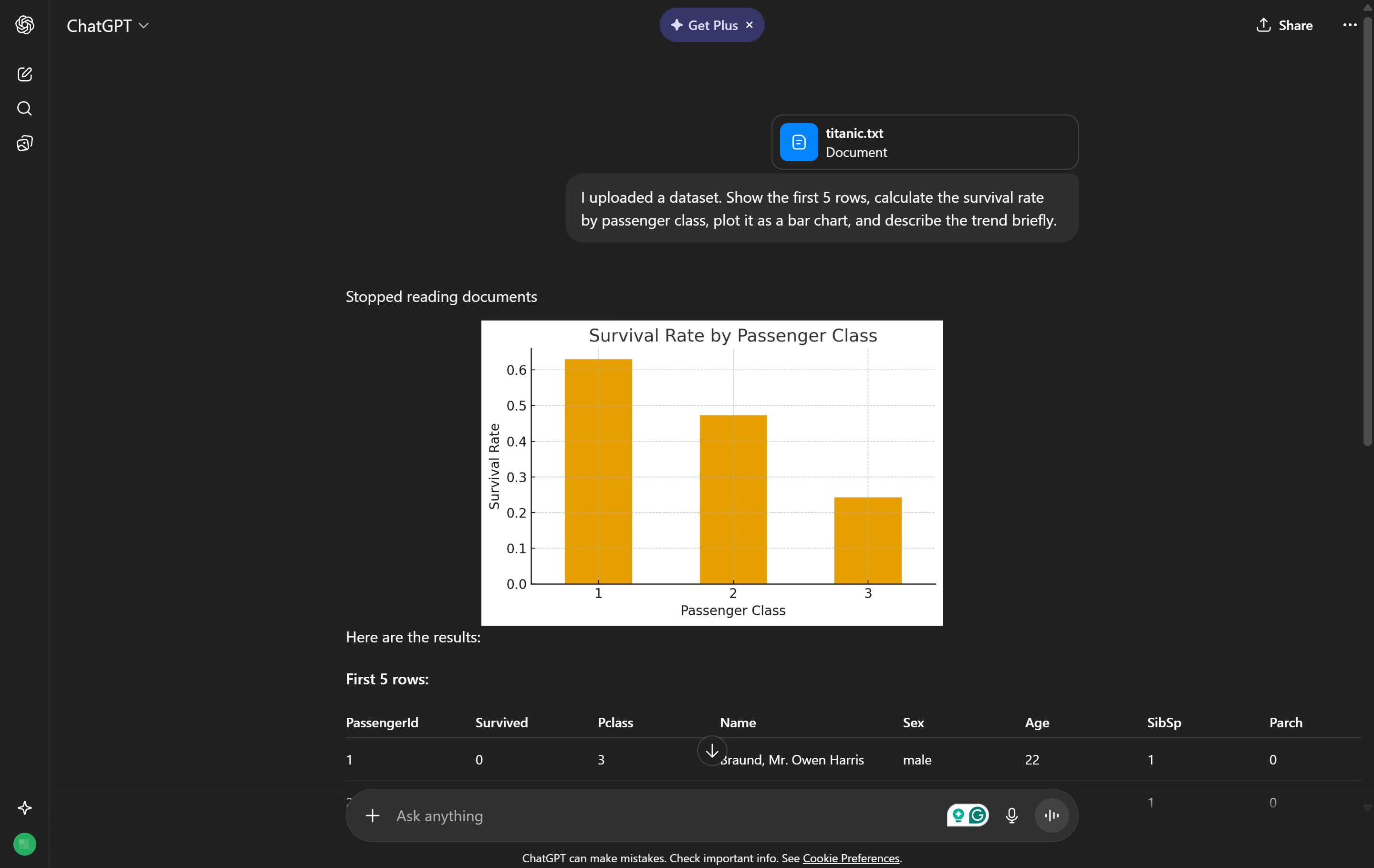
Ideal for: Data analysts, technical product managers, and developers who need quick Python-driven data analysis, visualizations, or one-off scripts without leaving a chat interface
ChatGPT’s Advanced Data Analysis (formerly Code Interpreter) adds real-time code execution capabilities to the language model. It’s useful for developers and analysts who work with Python to clean data, generate plots, run logic tests, or build reports.
You can upload spreadsheets, images, PDFs, or code as files, and the tool will interpret, process, and output structured responses or executable code. It’s conversational enough for quick analysis and technical enough for serious automation work. It’s also capable of debugging, logic flow testing, and statistical analysis.

Ideal for: Engineering teams focused on code quality and test coverage
Qodo (formerly CodiumAI) combines AI-powered code review, automated test generation, and IDE-based feedback to improve code quality. It runs as an IDE plugin and integrates with GitHub and GitLab to create a dedicated review layer across your codebase.
The platform’s multi-agent architecture assigns specialized agents to different review concerns that include bug detection, code quality, security analysis, and text coverage gaps. Test generation runs from within the IDE via the “/test” command in VS Code and JetBrains, with on-premises, VPC, and air-gapped configurations for teams with strict data requirements.

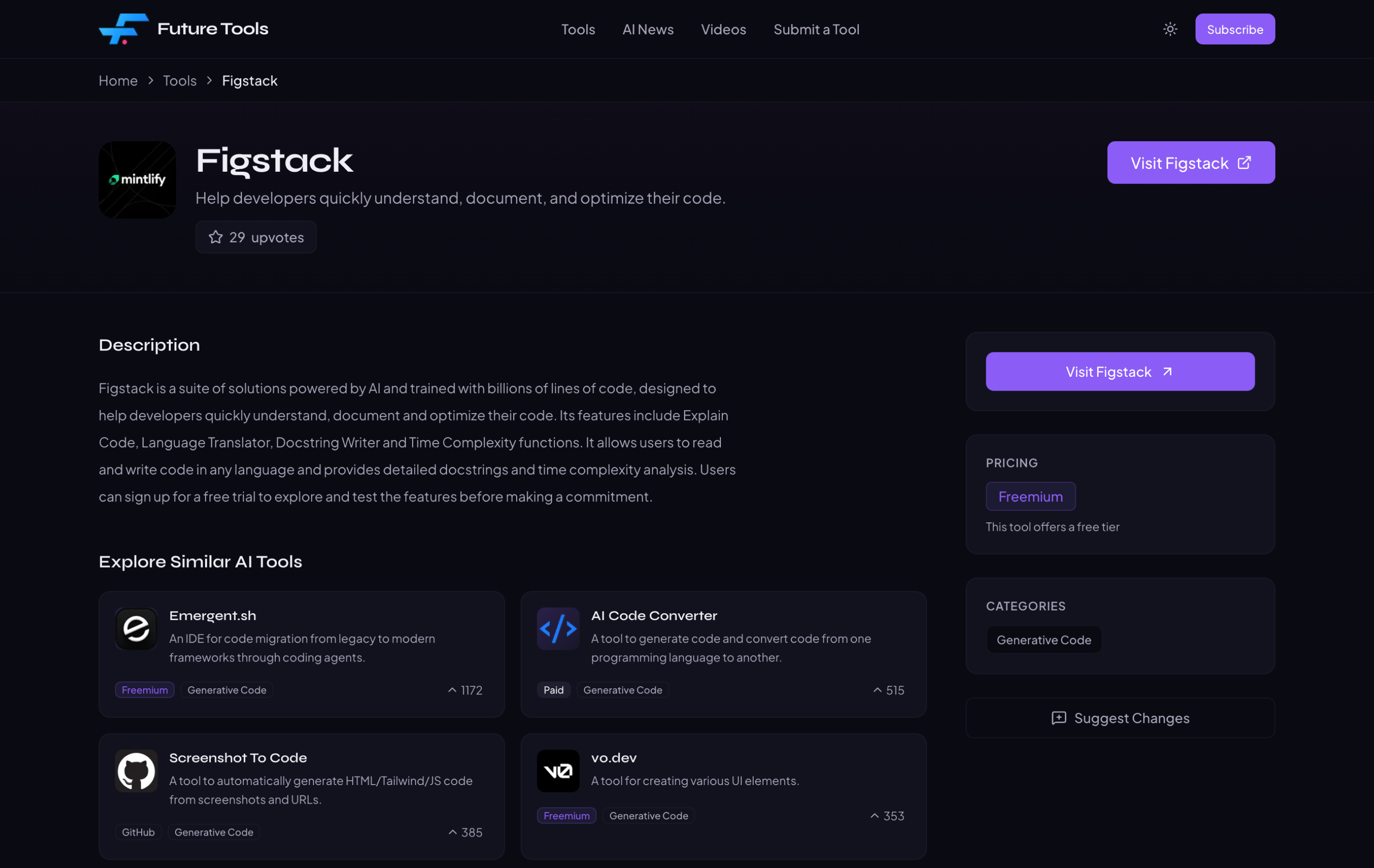
Ideal for: Developers onboarding into unfamiliar codebases, technical learners, and engineers who frequently switch between programming languages
Figstack helps developers understand existing code by translating complex code snippets into plain English. It also converts between programming languages that include Python, JavaScript, Java, Ruby, Go, and C++.
Figstack’s Docstring Writer also auto-generates documentation for code functions. The Time Complexity tool reviews code efficiency and helps identify bottlenecks with suggested changes, which supports developers working across different languages.
Whether you’re a developer, designer, or product manager, AI-powered workflows are redefining what’s possible in rapid prototyping and cross-functional collaboration.
An integrated development environment (IDE) is the software developers use to write, edit, and debug code. Examples include VS Code, JetBrains, and XCode. Good tools meet developers where they work, including GitHub Copilot, Tabnine, and JetBrains AI Assistant.
The best integrations go beyond convenience. For instance, tools that work with the Figma MCP Catalog give the AI more accurate data to work with, while Figma’s Dev Mode helps create design specs, tokens, and component mappings straight into the same editor you use while designing.
AI coding tools should work across entire repositories when teams manage complex codebases. This makes the difference between a suggestion without context and one that knows your architecture and coding nuances.
This matters most at scale. AI hallucinations can add up quickly across complex codebases. Tools that manage your full codebase include Sourcegraph Cody, Cursor, and Qodo.
Agentic workflows, known as “agent mode” in some AI coding tools, can translate high-level goals into an action plan and execute it by editing files across your repo, running tests, and iterating until the work passes. Tools like Claude Code, Cursor, and GitHub Copilot all work this way.
Developers can also “hand off” some of the QA process to these tools, rather than executing each PR manually. But these tools can move fast and break things, so look for tools with adjustable autonomy controls and clear approval steps like Gemini Code Assist and Claude Code.
A good tool detects vulnerabilities and protects proprietary data without extra configuration. Amazon Q Developer runs built-in security scans on every suggestion, while Qodo’s review agents act as a dedicated security analysis layer.
For more sensitive industries, such as finance or healthcare, ask whether the tool is SOC 2, HIPAA, or FedRAMP compliant. Tabnine and JetBrains AI Assistant both work with private development options.
Refactoring, or changing code to make it cleaner and easier to maintain without changing its behavior, can take a lot of time when done manually. Good AI tools should handle multi-file refactorings with awareness of the entire codebase and an understanding of how changes can ripple through code dependencies.
Generated code is part of this refactoring, and should be thoroughly tested and validated. Qodo and Tabnine build testing into the review process as new functions are developed. Refactoring without testing creates risk, so the strongest tools can do both.
Keep reading for answers to frequently asked questions about the latest AI coding tools and capabilities.
An AI coding assistant is a digital helper that uses machine learning models to suggest, generate, or debug code. It works inside an IDE or a browser to automate repetitive coding tasks.
When used correctly, AI coding tools can accelerate development, reduce time spent on syntax or structure, and encourage experimentation. They help teams of varying backgrounds code confidently with AI while staying consistent.
Yes, various tools like Figma’s free AI code generator, Replit Ghostwriter’s free tier, or Amazon Q Developer within AWS provide entry-level access for developers who want to explore AI’s capabilities.
AI coding tools benefit developers, designers, engineers, creatives, and UX teams by enabling them to write code faster and prioritize innovation over repetitive tasks.
Choose AI coding tools based on model selection, cost, context management, and version support, as these factors will impact how you adapt and maintain your workflows in the future.
Black-box testing examines a system’s output and external behavior without knowledge of its internal logic, while white-box testing involves more detailed code inspection, logic, and execution path validation. AI can support both kinds of activities through generating test cases, automating input/output validation, inspecting code paths, generating unit and integration tests, and analyzing logic branches more quickly.
Bugs and small mistakes can steal hours from build time. Fortunately, AI is transforming how modern teams prototype, debug, and ship ideas. Whether you’re optimizing UI components or scaffolding a full website, AI coding tools help you write cleaner code faster.
Figma Make Local transforms natural language prompts into visual designs with functional code. With a few conversations, you can find yourself with a complete product. Figma can help:
Experience the power of Figma Make and turn your ideas into reality.
Vibe coding combines mood-driven design with seamless coding to create immersive digital experiences that connect emotionally and function flawlessly.

Understand the differences and benefits of no code vs. low code and when to use each approach. Plus, learn how Figma can help.


Discover software development collaboration tools that streamline design, project management, and development. Find out how Figma Design helps teams align.


Explore web development trends defining 2026. Learn how AI-driven workflows, server-first performance, and new browser standards are reshaping how teams build.


Keep up with the latest shift in software development using vibe coding tools that allow you to create full applications from plain language prompts.


Explore 8 of the best design collaboration tools of 2026 to help teams boost creativity, streamline workflows, and keep every project on track.