


AI feature prioritization assistant
Prioritize what matters—then prototype it. This AI feature prioritization assistant helps product managers turn ideas into ranked features and interactive prototypes in minutes, so teams can align faster and build with confidence.
Prioritize features with AI
Rank what matters most
Describe your product goals, constraints, and user needs. The AI feature prioritization assistant scores and organizes features into a clear, actionable order.
Turn priorities into prototypes
Instantly transform top-ranked features into interactive flows. Validate assumptions with something teams can see and test—not just read about.
Align without the PRD overload
Capture product logic, edge cases, and trade-offs in prompts. Replace lengthy documentation with shared, testable direction.
Iterate on impact and effort
Adjust scoring models, reweight criteria, or simulate new inputs. Explore “what if” scenarios in minutes, not meetings.
Built by real teams.
See how makers, designers, and PMs are using Figma Make to build no-code web apps—from internal tools to product MVPs.
- Jacques Debeuneure Jr.
- Daniela Muntyan

- kishoree04u

- Seungmee Lee


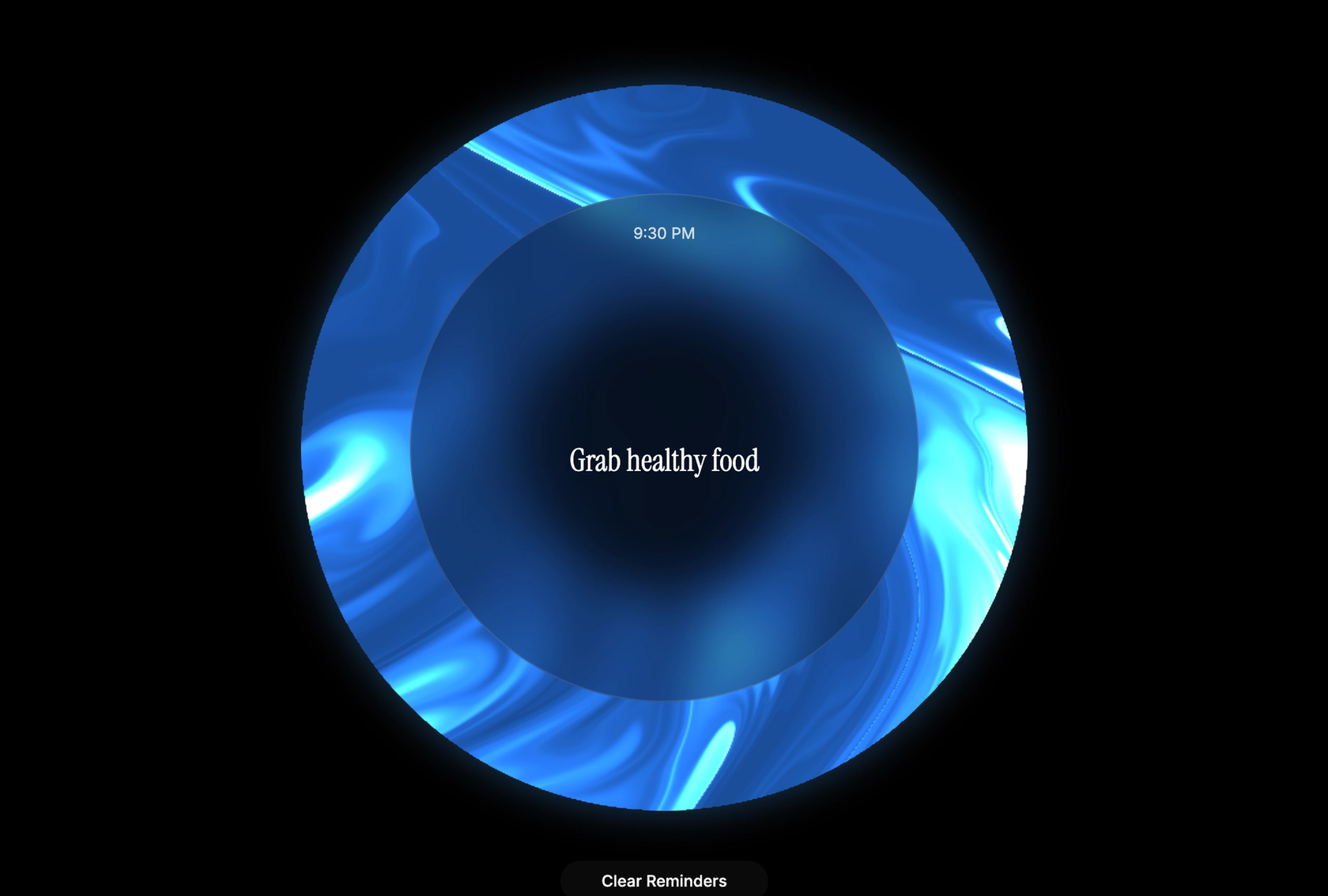


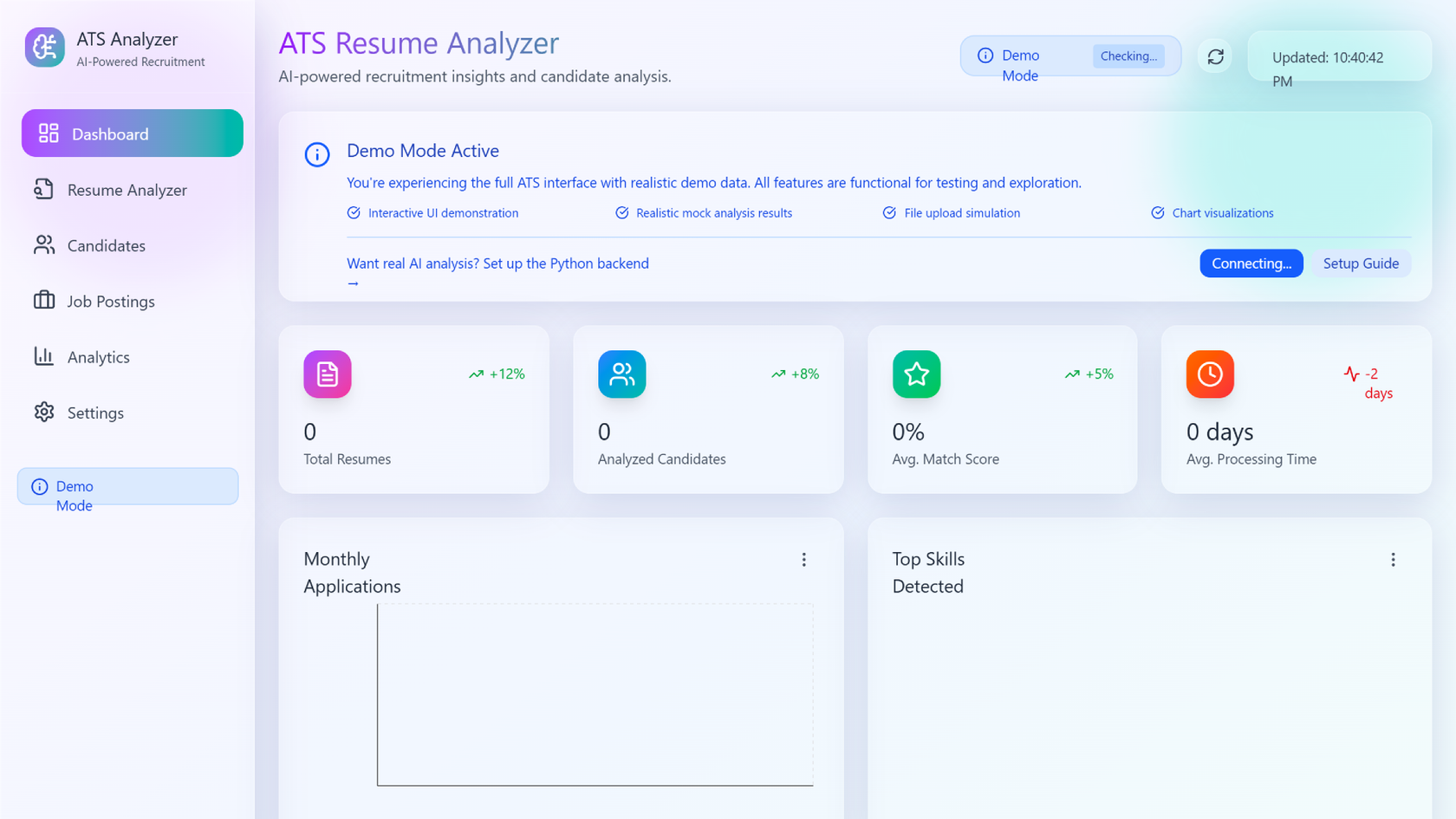


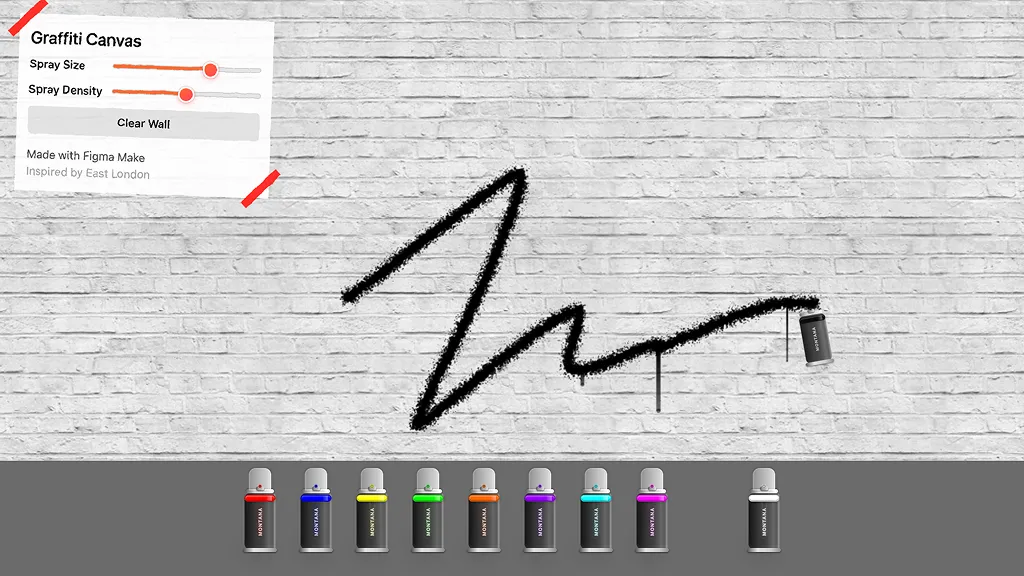

How to use an AI feature prioritization assistant in Figma
FAQs
From the blog
Workflow lab: Deploying designs directly with Figma Make
The handoff from design to code doesn't have to be a one-way street. This workflow shows how a designer can connect a codebase to Figma Make, make the changes directly, and bring the whole team into review—right up to the PR.

How Decagon uses AI for design system saturation
The fast-growing customer experience platform explains how Figma MCP and Figma Make helped them scale a new design system and keep pace with customer requests.
GPT-5.6 is now available in Figma Make
With accurate first results and fast iterations, OpenAI’s GPT-5.6 gives your builds a strong start in Figma Make.

Got skills? Make the Figma agent a better collaborator
From sharing your best thinking to learning from your team’s go-to prompts, here’s what skills unlock in the Figma agent.


4 ways we’re using our MCP server at Figma
The Figma MCP server reaches further across the platform than it ever has. From updating a living deck to shipping a design to production—here's what that looks like in practice.


4 new ways to go from idea to product with AI tools
AI tools are changing how teams build products—from where they start to what carries through to production. Here's what that shift looks like across four organizations.
More resources


What is MCP?
Read articleLearn about Model Context Protocol (MCP), the open standard that simplifies AI integration like a USB-C for data.


What is Vibe coding?
Read articleVibe coding combines mood-driven design with seamless coding to create immersive digital experiences that connect emotionally and function flawlessly.


How to design an app in five steps
Read articleBuilding an app requires research and constant iteration to meet customer needs. Learn how to design an app and how Figma can help in this guide.