


Document components while you build
Component docs tend to fall behind because they live somewhere else. In Figma Make, documentation can sit closer to the artifact: the component itself, the UI it powers, and the behavior it needs to support. You can iterate on the wording, refine the structure, and keep everything aligned as designs and logic change.
Generate component documentation with AI
Draft props, variants, and states
Prompt for a component API in plain language, and generate structured docs: props, defaults, variants, empty states, loading states, and error states—ready to refine.
Add real behavior, not just screenshots
Build an interactive UI in Figma Make, then document what changes with hover, focus, keyboard navigation, validation, and async states.
Keep docs aligned with code
Generate and refine test cases in the same workspace where you design and prototype—no copy-paste between tools.
Share updates without tool-hopping
Publish a functional prototype or web app to the public web when it’s ready, so teammates can review the latest behavior and documentation together.
Built by real teams.
See how makers, designers, and PMs are using Figma Make to build no-code web apps—from internal tools to product MVPs.
- Jacques Debeuneure Jr.
- Daniela Muntyan

- kishoree04u

- Seungmee Lee


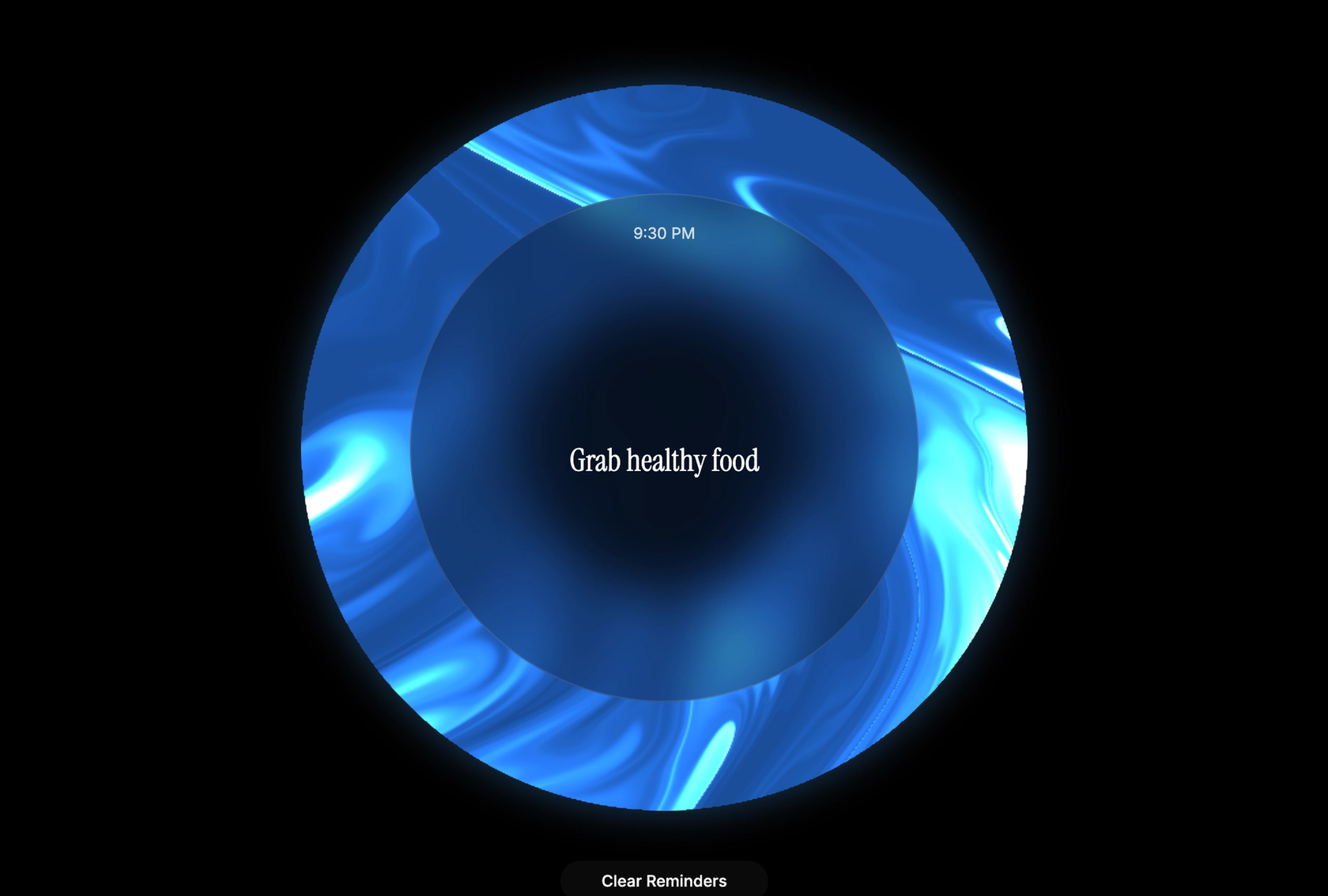


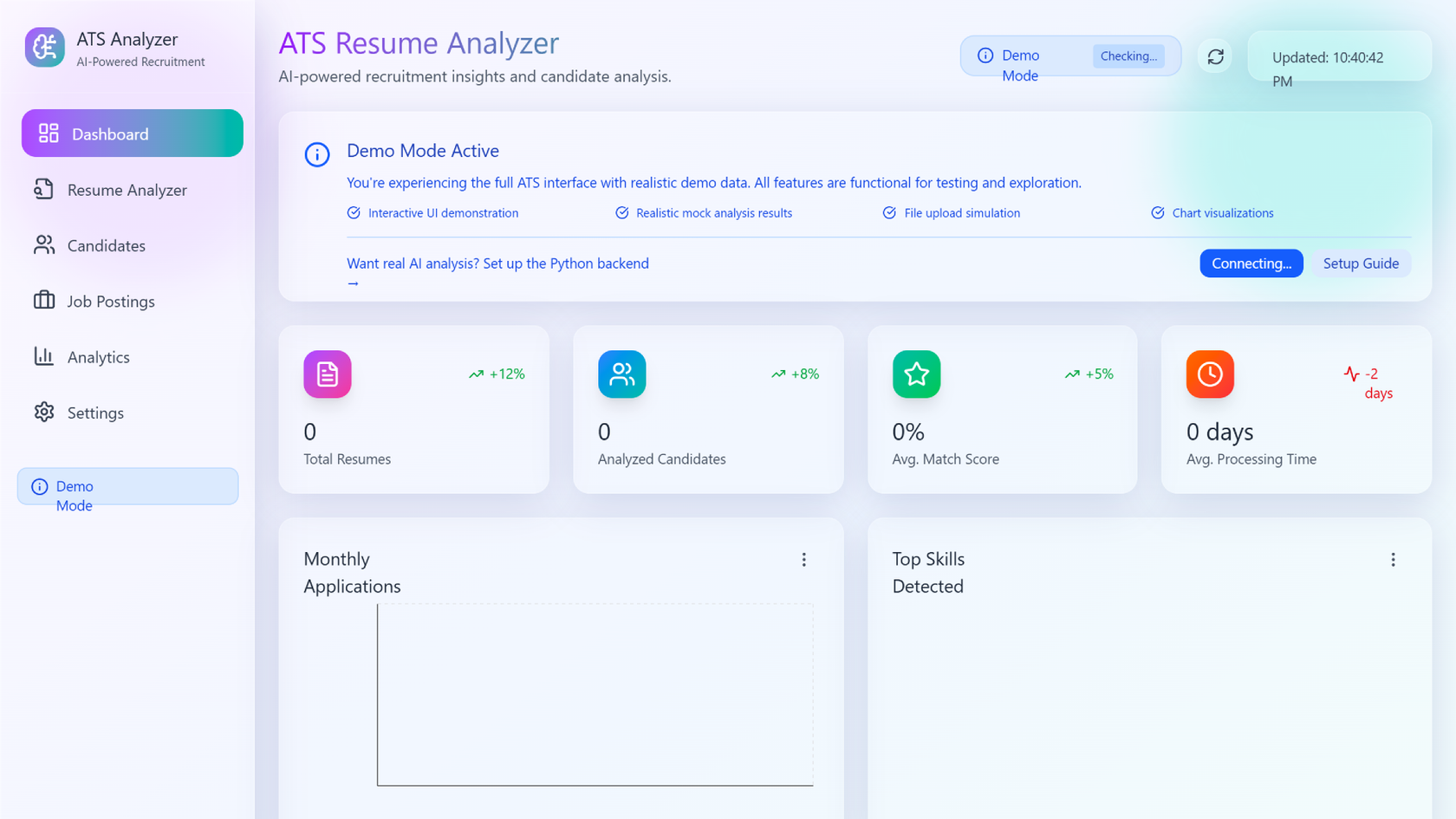


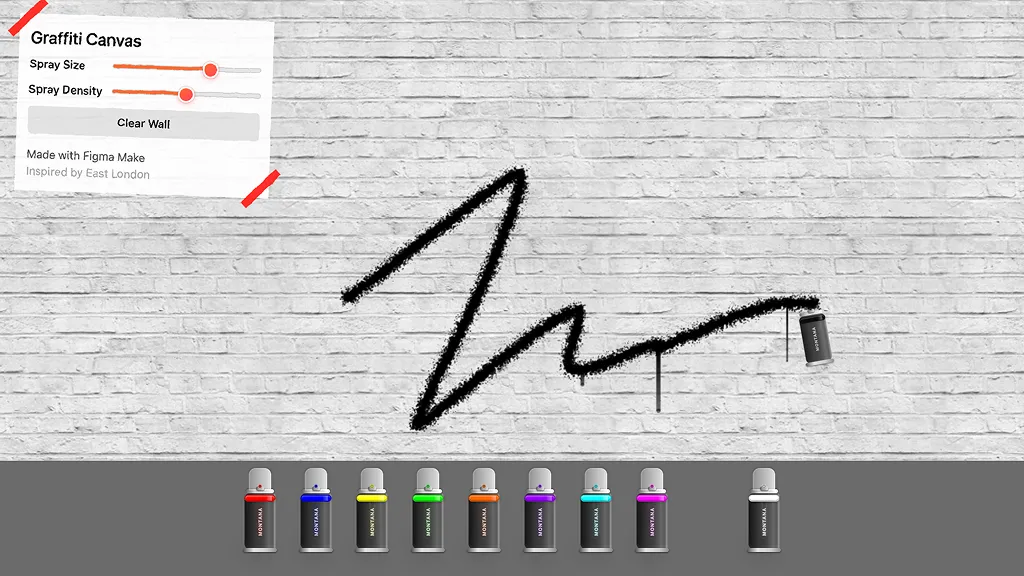

How to generate component documentation in Figma Make
FAQs
From the blog


4 new ways to go from idea to product with AI tools
AI tools are changing how teams build products—from where they start to what carries through to production. Here's what that shift looks like across four organizations.
Figma Make, now on your local code
From visual editing to contextual prompting and collaboration, Figma Make is expanding how teams can design with code.


7 tips for using Figma Make credits more efficiently
While everyone’s talking about “tokenmaxxing,” we’ve compiled seven best practices to help you build smarter—without prompting more—in Figma Make.
How Figma AI tools helped us bring extra delight to the canvas
For our annual April Fun Day, we used Figma Make, Weave, and MCP to build six mini games that captured the spirit of play. Here’s what we learned.

Build with more context and more control in Figma Make
Starting today, Make kits and Make attachments bring context into Figma Make, so prototypes start from real components, data, and constraints.
6 designs that reimagine how we interact with software
From a multiplayer embroidery sampler to a photo booth that works across time zones, this year's Make-a-thon winners offer new ways to connect, reflect, and play through software.
More resources

What is MCP?
Read articleLearn about Model Context Protocol (MCP), the open standard that simplifies AI integration like a USB-C for data.

What is Vibe coding?
Read articleVibe coding combines mood-driven design with seamless coding to create immersive digital experiences that connect emotionally and function flawlessly.


How to design an app in five steps
Read articleBuilding an app requires research and constant iteration to meet customer needs. Learn how to design an app and how Figma can help in this guide.