How DUOTONE saves 80+ hours per project running its entire workflow in Figma
Founded in Seoul in 2018, DUOTONE is a 60-person digital design agency specializing in UX/UI design and design systems. The studio partners companies across a wide range of industries, including finance, commerce, automotive, and content, to deliver digital projects.
Since implementing Figma across the company five years ago, it’s become a part of their operating system. From planning and documentation to design-system architecture and visual production, the team runs its entire workflow inside the Figma ecosystem, resulting in:
- 90% reduction in spec-document writing time at project handoff, saving more than 80 hours on every project
- 20% less time on visual production work
- Report QA time cut from hours to 5-10 minutes

From scattered files to a single canvas
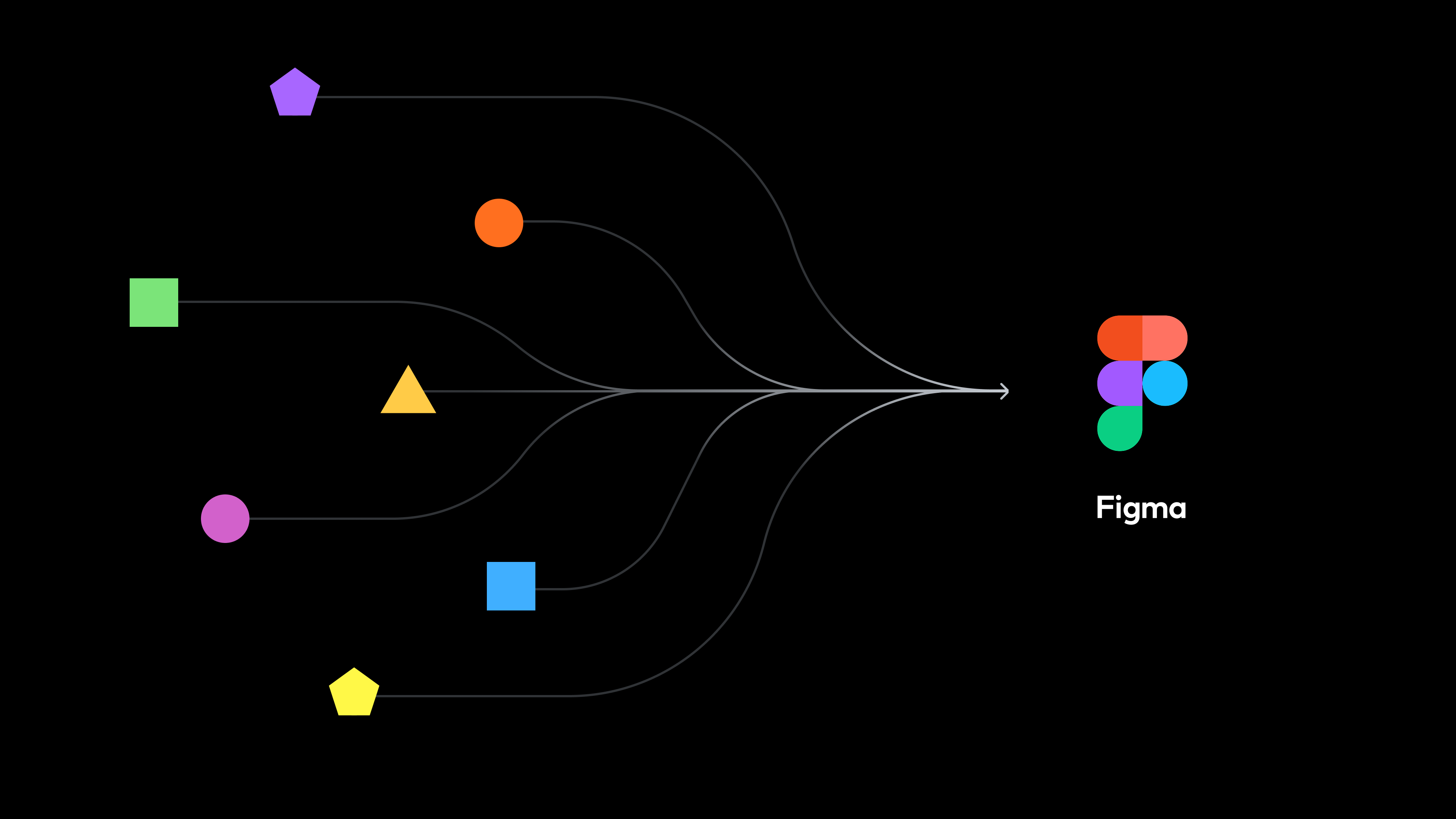
In the past, DUOTONE worked with multiple stakeholders across multiple documents, which led to version conflicts and broken handoffs. Since consolidating everything in Figma, client communication changed completely. Decisions and discussions happen directly in the canvas, leading to more efficient communication and handoffs.
We used to write long emails to exchange feedback, wait for a reply, then re- summarize every change and send it back—over and over. Now the same exchange happens over a single Figma comment, and the time we spend on communication has dropped by more than half.
— Juyoung Shin, Project Manager, DUOTONE

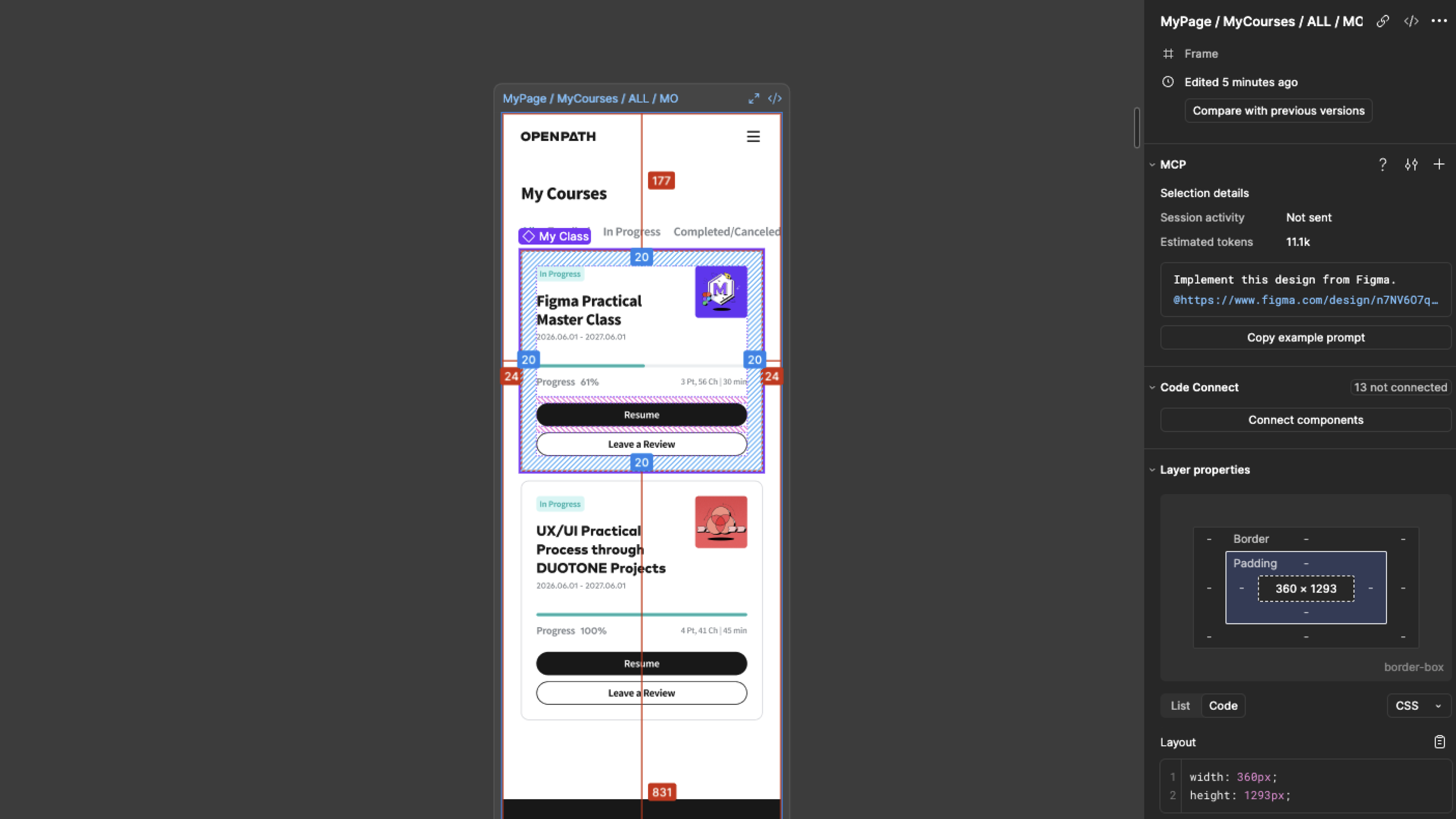
Handoffs to developers became far more efficient, too. Before, finishing a design meant building a separate specifications guide and passing it to engineers. Dev Mode eliminated that step: engineers could click any element and see its component structure, token values, font specs, and ready-to-use code snippets for web, iOS, and Android—directly within the design file.
As a result, time spent writing standalone spec documents at the handoff stage has dropped by 90%, saving more than 80 hours on every project. When there’s a gap between what the UI shows and how it’s actually built, designers are also able to add annotations beside the relevant screen to capture intent or flag edge cases. With tools like Jira, Linear, and Storybook connected, a change at the design stage flows straight to the development team’s work.

Building design systems that keep products consistent at scale
A common request from clients is for DUOTONE to build a design system to manage their products. The bar is high, as a system has to hold up as a product scales across teams, platforms, and time. DUOTONE has built and maintained systems across finance, commerce, automotive, and content, with variables and component architecture at the center of every one.

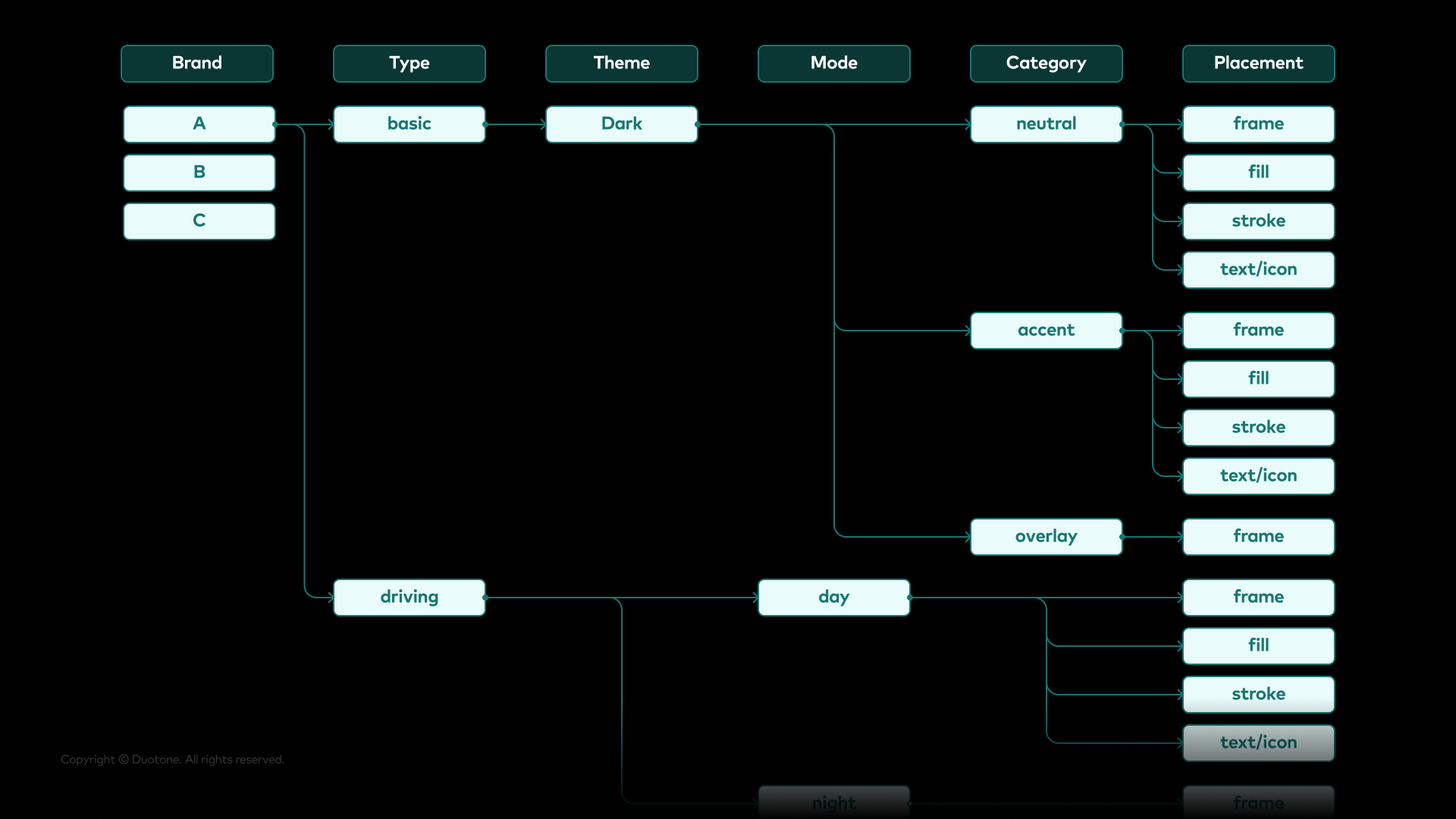
This approach proved valuable in an in-car infotainment project. Every vehicle model had a different display resolution, and light and dark themes had to shift seamlessly with the driving environment e.g. driving in the day vs night, or when entering a tunnel. The requirements were complex.
By defining everything as variables—the vehicle’s resolution (width and height), button heights, and even corner radii—and splitting components by size (small, medium, large), adjusting a handful of token values in the master library would update every screen instantly, instead of redrawing every screen from scratch over a course of weeks.
One automotive brand asked us to switch from rounded corners to square ones. Because we'd defined the tokens up front and built the components to reference them, we could turn around all kinds of change requests quickly—without the underlying structure ever wobbling.
— Jueun Kim, Designer, DUOTONE
Beyond UI: Extending Figma into visual production
With Figma’s expanding AI image editing toolkit, DUOTONE has folded a large share of visual work, such as illustration and promotional graphics, into Figma.

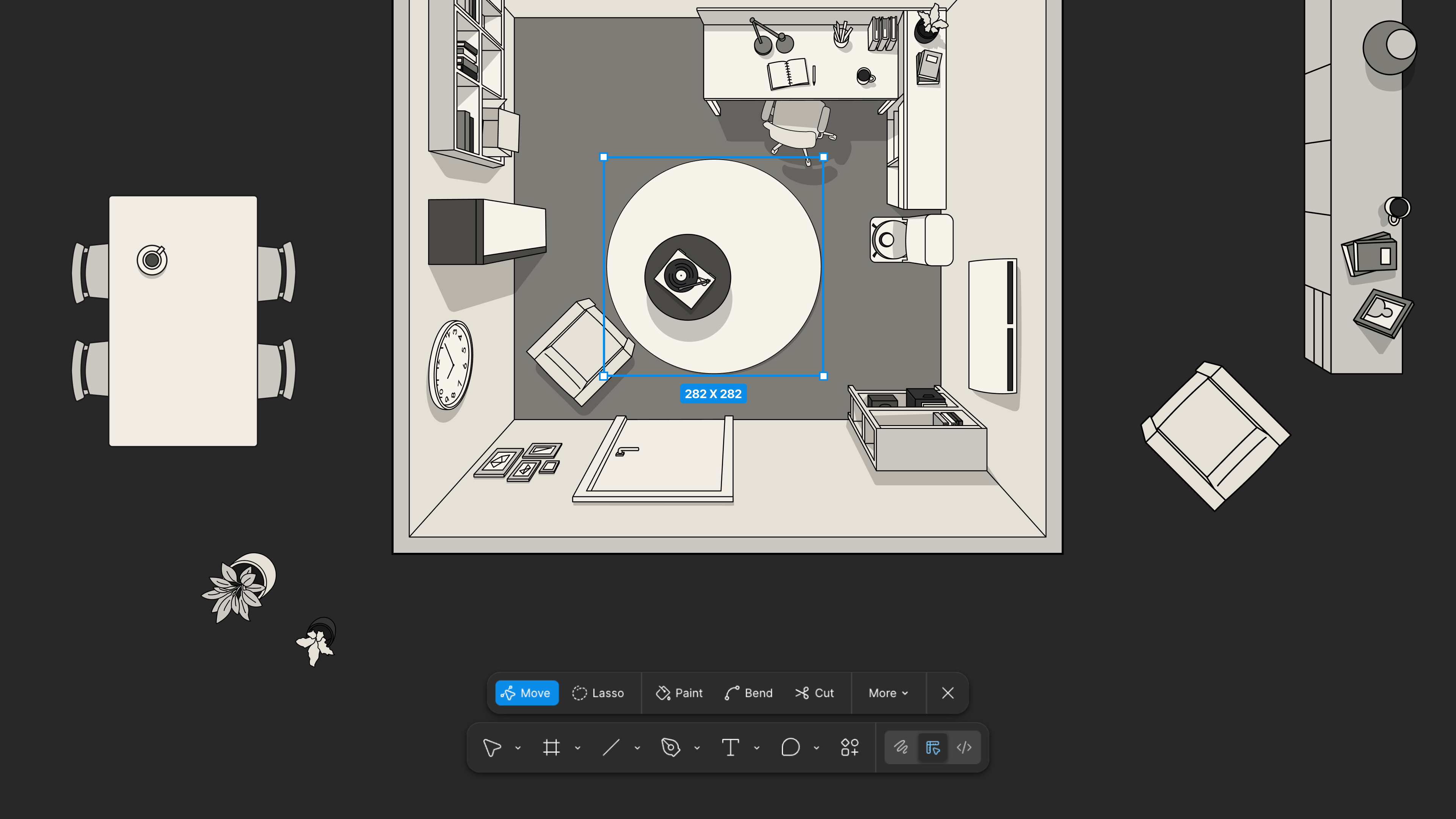
Features like Vectorize, which automatically converts a bitmap image into vectors, and Remove Background, which isolates a subject from its backdrop, have removed steps that used to send the team back and forth between specialized tools. The final tone and feel of an asset—exposure, color temperature, shadow, overall mood—now gets dialed in inside the same Figma file the rest of the campaign lives in.
The result: a campaign visual can be carried from concept to finish on a single canvas, with 20% less time lost to file exports and tool switching.
With visual and UI work living on the same canvas, the team collaborates faster. Every designer works from a single source of truth, shares feedback in real time, and can review several explorations side by side. The same applies to client review: the team shares work-in-progress exactly as it stands, gets immediate feedback, and revises on the spot before showing it again.
It used to be a tedious back-and-forth—export from Photoshop, hand off, re-import. Now we all live in the same file. I can see what someone else is working on as it happens, jump in with feedback, and keep things moving.
— Yesol Kim, Designer, DUOTONE
Scaling productivity with custom plugins
DUOTONE has steadily expanded what they can do inside Figma by layering in plugins—from asset search to design system maintenance. When a community plugin doesn't quite fit, the team builds exactly what they need with Figma's Plugin API, turning one-off solutions into shared capabilities that scale productivity across the whole studio.

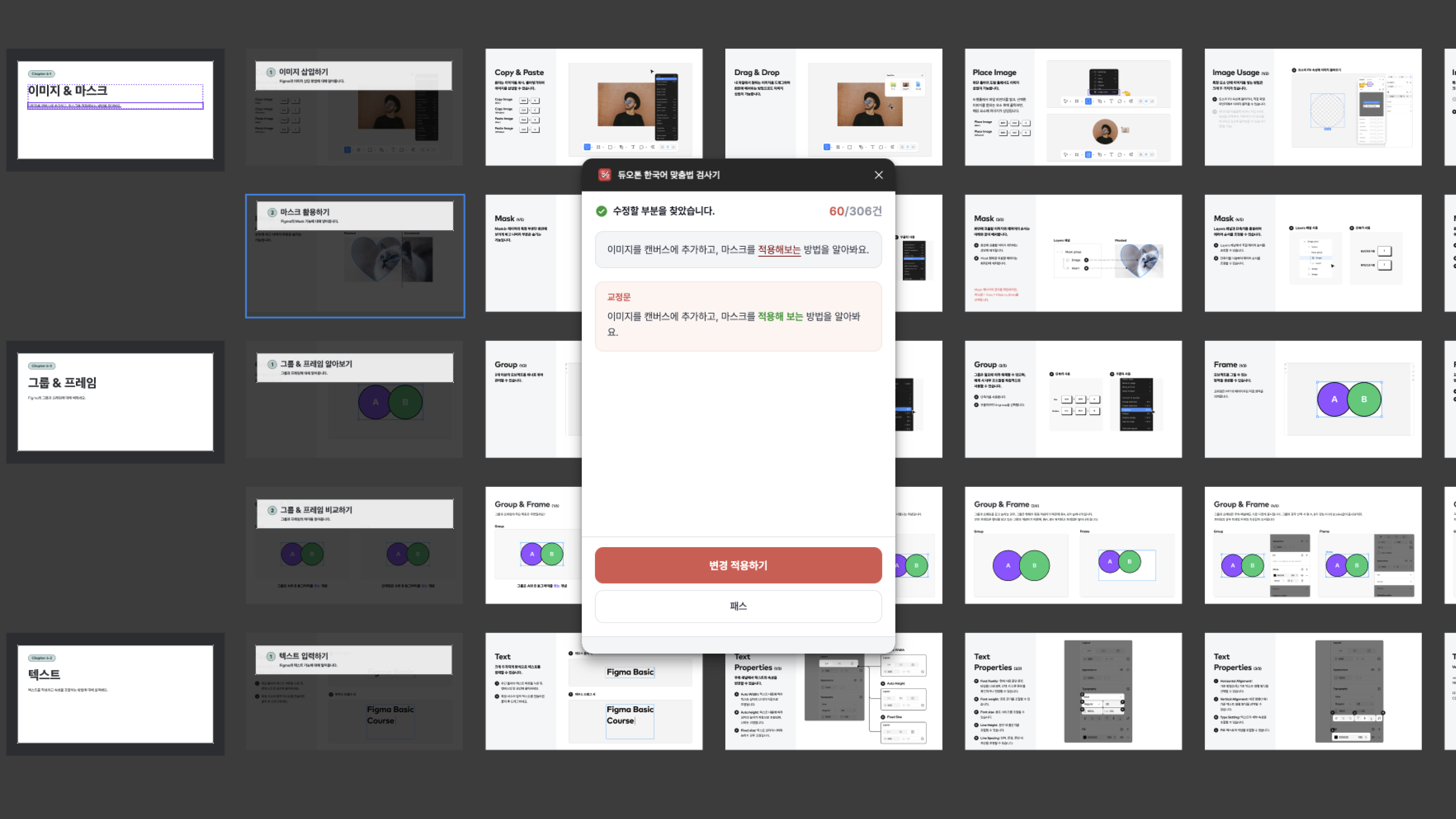
A recent example is an AI-powered spell-checker for client deliverables. Proofreading a report used to take up the time of several designers. Now, the plugin scans every text layer on the canvas in one pass and proposes corrections, replacing a painstaking manual review with a single click. As a result, the average QA time per report was reduced from 3 hours to 5 minutes, and last minute corrections before delivery also decreased.
Anyone on the team is encouraged to build a plugin when they encounter a tedious, repetitive task. And they often do so, shipping within days. A recent example: a junior designer built a plugin that compiles update logs automatically, replacing hours of manual copy-pasting and the small errors that came with it.
The result is a growing custom library of plugins—spell checkers, automatic page numbering, graph generators, update-log compilers, and more—built, maintained, and extended by designers across the studio. This culture of building on top of Figma has reshaped how the studio operates. Figma is no longer just where design happens; it's the platform that scales how DUOTONE works.
From manual upkeep to AI-powered maintenance
A design system takes more effort to maintain than to build. As a library evolves, so does the operational overhead of organizing tokens, aligning naming conventions, and verifying consistency across files.
DUOTONE solved this by turning Figma into the source of truth that feeds their AI agents. Through Figma's MCP server and Plugin API, agents like Claude and Cursor read DUOTONE's library with full design system context—its components, variables, tokens, and naming conventions—then surface inconsistencies, flag values that should be tokenized, and propose fixes that follow the team’s conventions. Once the team reviews and approves the proposals, the updates flow back into Figma as variables, turning what used to be days of repetitive system work into a fraction of the time.

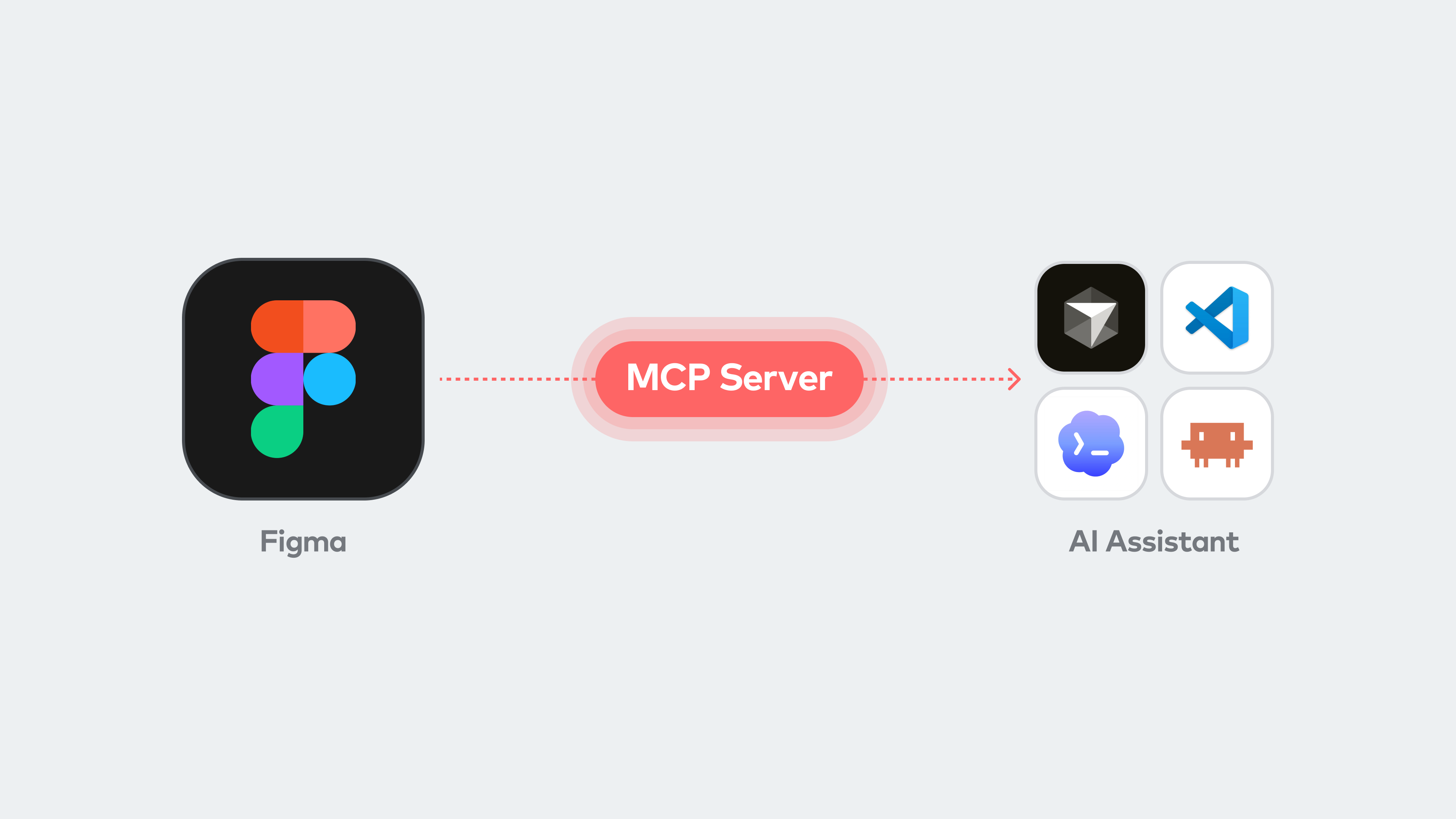
The team is extending this pattern further, piloting a workflow where AI drafts functional requirement documents (FRDs) directly from specs and component data inside a Figma file. Visual decisions on the canvas become structured information automatically, cutting the friction between design, product, and engineering handoff. The same context flow also lets AI generate new design work that stays consistent with the system from the start. The result: maintenance and documentation move to AI, and designers stay focused on the work only they can do.
AI agents see the world through code—they can't really talk to us directly. Figma's Dev Mode and variables act as the ‘interpreter’, translating the visual information on the canvas into data. That's how we can collaborate with AI on the same screen, without ever having to write code like a developer.
— Yunji Seo, Senior Designer, DUOTONE
OPENPATH: Where DUOTONE's expertise becomes the community's playbook
DUOTONE shares its expertise with the design community through OPENPATH, an in-house education platform built from real client work. What started as an internal R&D effort has now grown into a public resource shaped by years of project lessons.

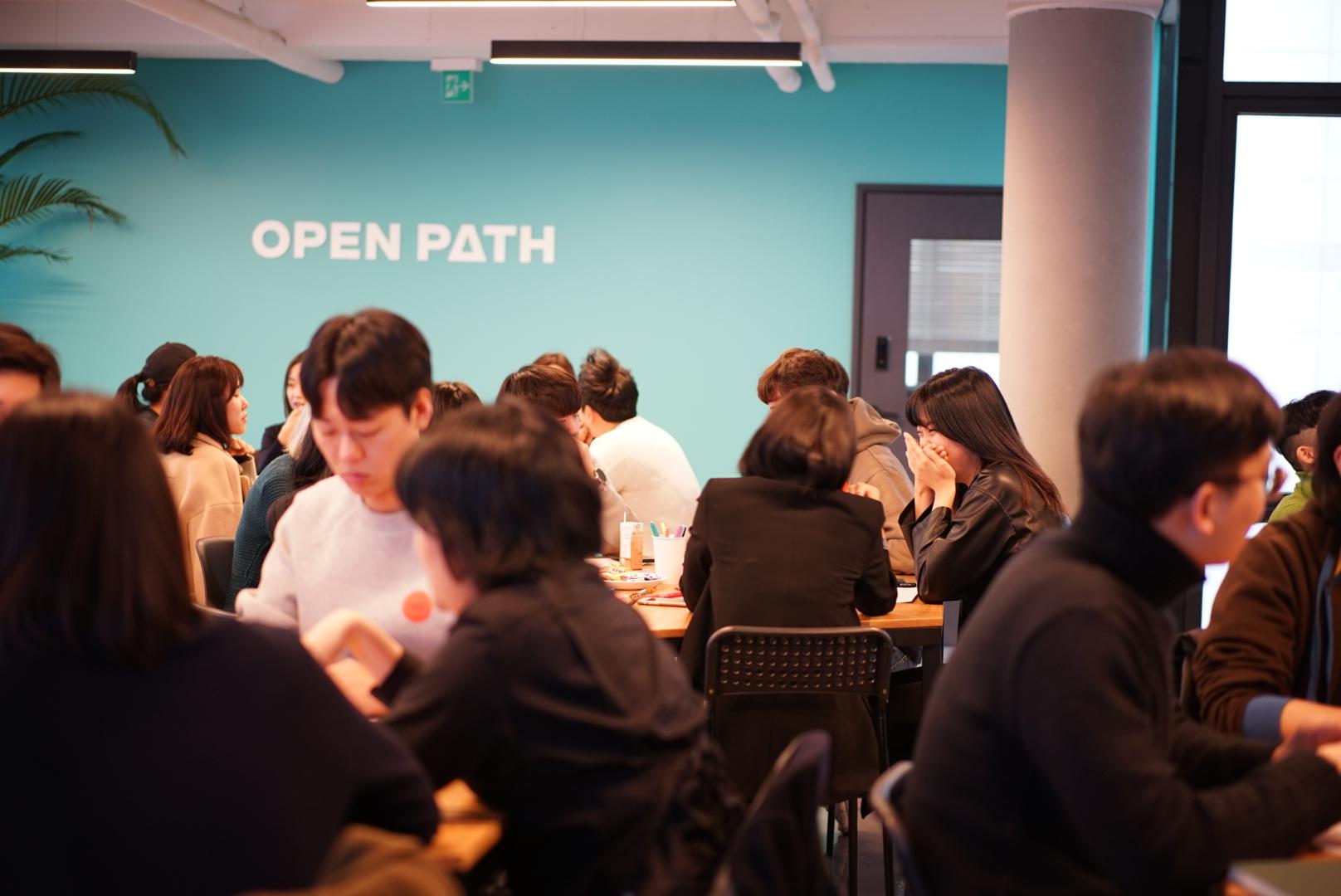
The curriculum goes beyond tool training. It covers methodologies pressure-tested on real client work—building sophisticated, variables-based design systems, streamlining processes with plugins, and connecting AI agents into design workflows. What designers get from OPENPATH isn't just design skills; it's what an agency actually does when the work has to ship. Junior designers leave with a solid foundation that lets them contribute on day one, with fewer of the missteps that usually come with early-career work. Senior designers pick up new ways of working suited to how the discipline—and the role of design itself—is evolving.
For DUOTONE, the goal isn't just being a standout studio. It's raising the bar for design across the industry. Alongside Figma's ever-expanding ecosystem, DUOTONE will keep opening up new ways for designers to work alongside AI, doing more of what they're meant to do, and focusing on what truly matters.
See how Figma can help you scale design
Get in touch to learn more about how Figma can help companies scale design.
See how Figma can help you scale design
Great design has the potential to differentiate your product and brand. But nothing great is made alone. Figma brings product teams together in a fast and more inclusive design workflow.
Get in touch to learn more about how Figma can help companies scale design.
We’ll cover how Figma can help:
- Bring every step of the design process—from ideation, to creation, to building designs—into one place
- Accelerate design workflows with shared company-wide design systems
- Foster inclusivity in the product team process with products that are web-based, accessible, and easy to use